
Purpose
A secure guest network provides internet access to visitors while ensuring the protection of internal resources. This article focuses on configuring guest WiFi with authentication enabled, requiring users to log in via a captive portal. By leveraging the Android WiFi Settings shortcut on SureLock-enabled devices, organizations can enforce controlled access while maintaining network security.
The purpose of this knowledge article is to provide a step-by-step guide for Configuring Secured Guest Network Authentication on SureLock-enabled Devices via Android WiFi Settings shortcut.
Prerequisites
1. A SureLock enabled device.
2. Access to the Managed Shortcuts on the SureLock.
Steps
1. Launch SureLock on the device.
2. Go to SureLock Admin Settings → Manage Shortcuts.
3. Click Add Shortcut, select Add Settings, and choose WiFi Settings from the
dropdown.
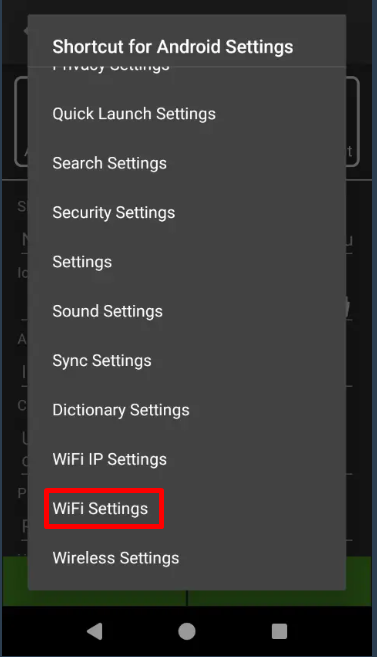
4. Next, go to Allowed Applications and Hidden Apps.
5. Add Captive Portal Login Service and Android Settings to the list > Save the Job.
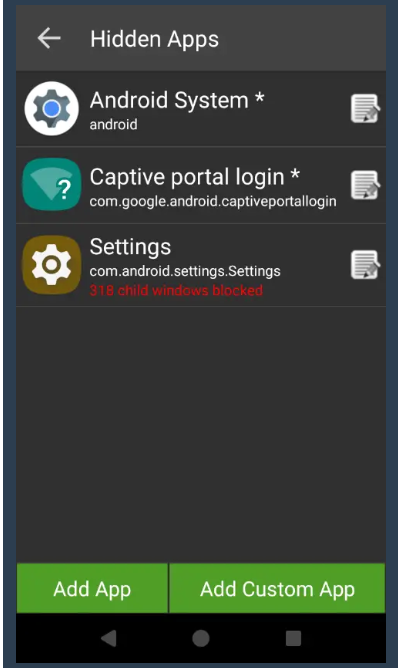
Note:
Some devices require blocking certain child windows of Android Settings to block access to other Android settings.
To ensure proper functioning, deny all Android services except the WiFi-related services.For more details, please review the SureLock settings attached below which has a sample settings file with and without child windows Settings:
Once the Settings file is deployed to the device, you can modify the additional settings as per your requirement as well.
Conclusion :
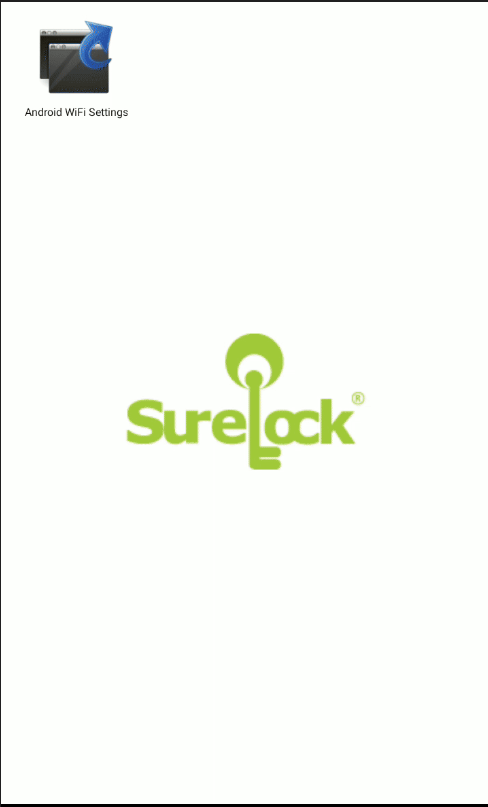
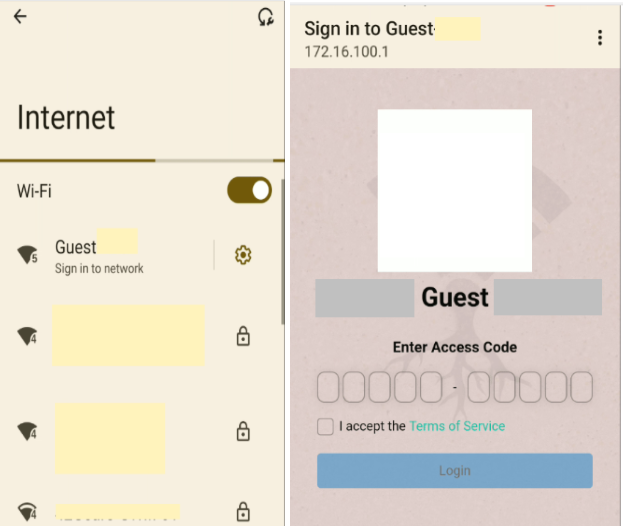
The WiFi shortcut here helps in easily connecting to the Guest wifi on the SureLock home screen, without having to explicitly enable the Settings app as a whole.
Need help?
CONTACT US