
Purpose:
This allows administrators to configure shift-based application usage monitoring in SureInsights. By creating shifts and linking them to reports, you can track how specific applications are used during defined working hours (e.g., day shift or night shift).
Prerequisites:
Platform – Android & iOS/iPad
Steps:
- Log in to SureMDM and navigate to Account Settings → Account Management.
- Go to SureInsights, enable it, and tap on Add.
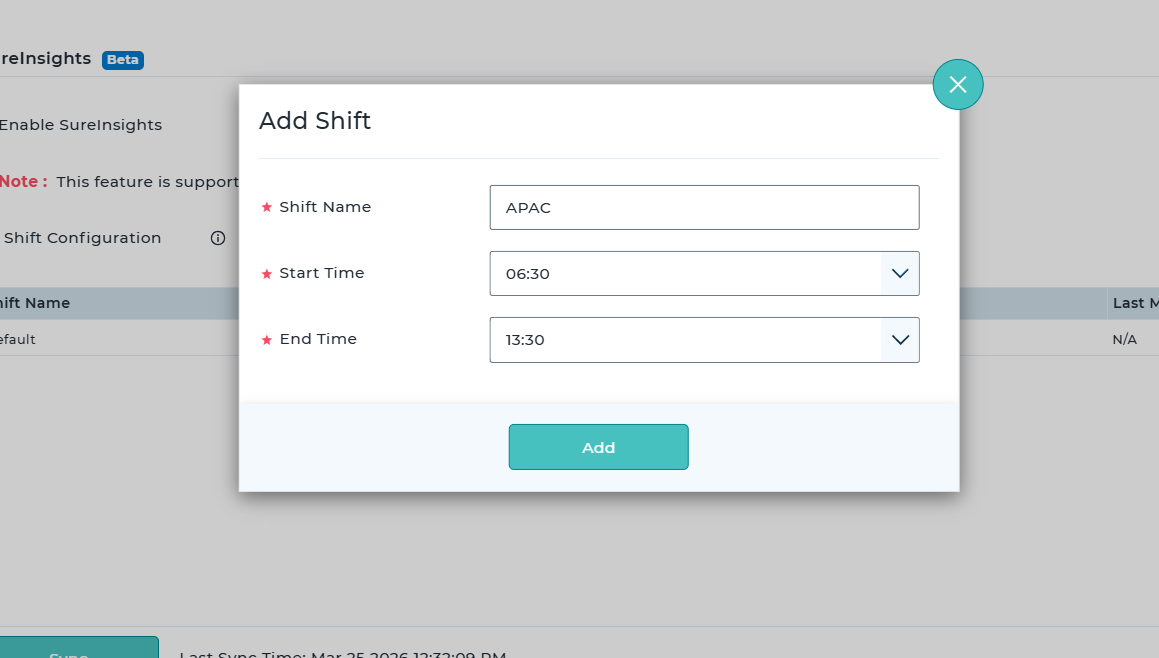
- Add a shift: enter the Shift Name, then set the Start Time and End Time.
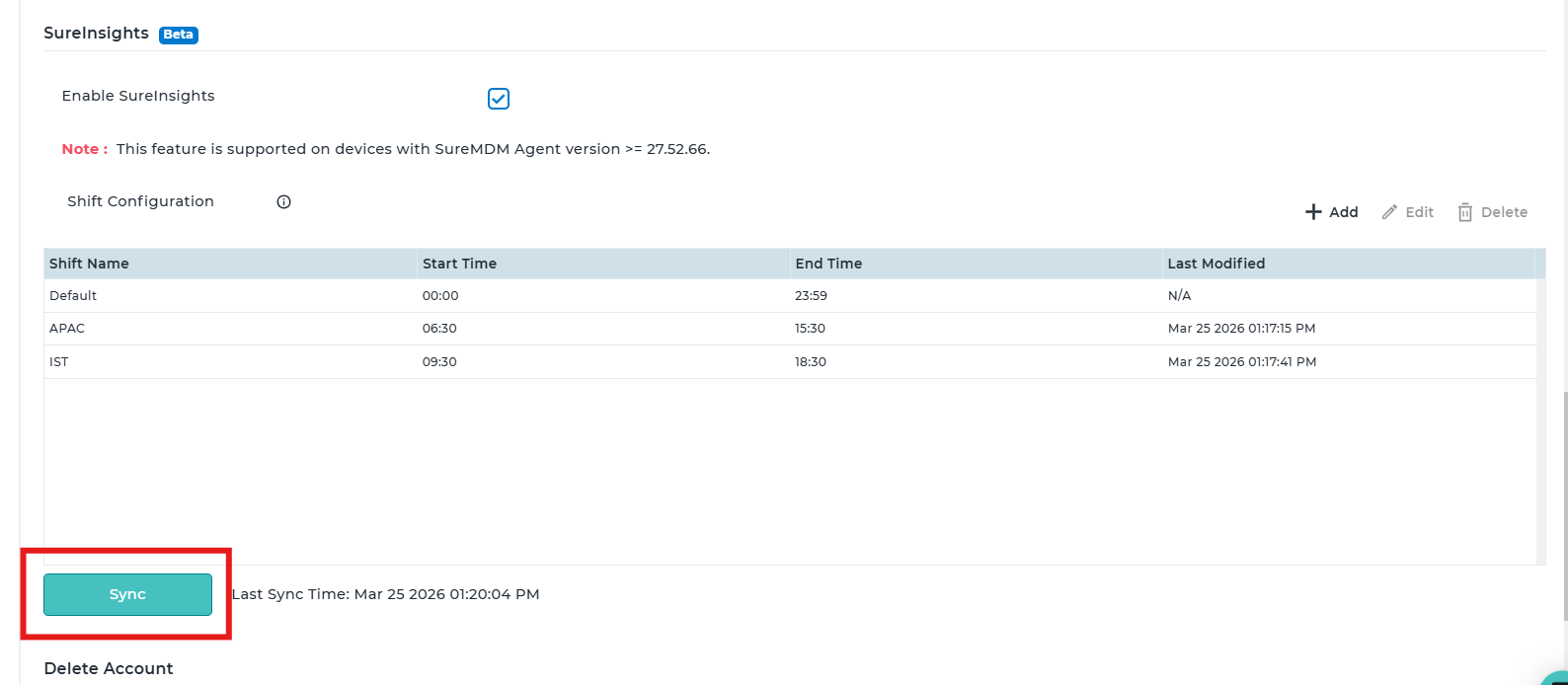
- Tap on Add and Then Sync.
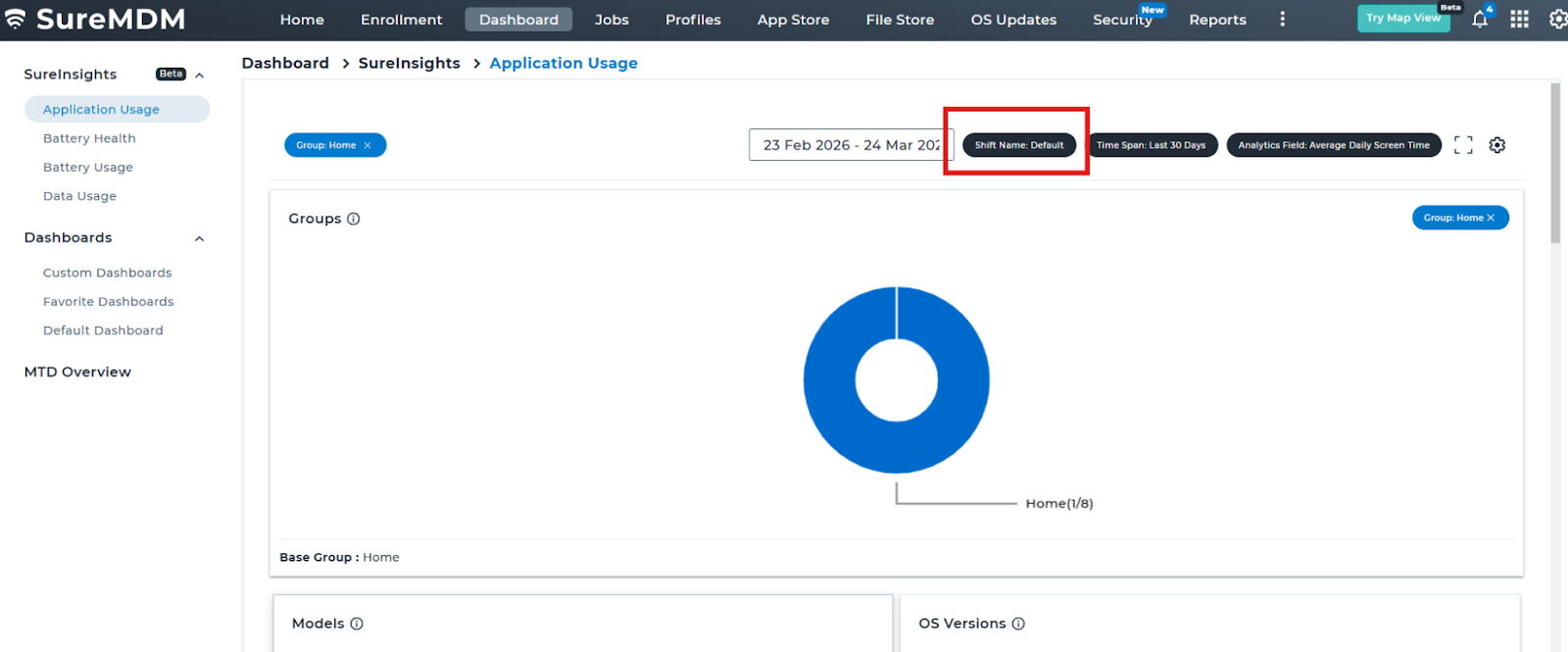
- Then tap on Dashboard → SureInsights → Application Usage.
- Tap on Add Chart → select the group → Next → select the subgroup → Next → select the apps for which you want to check usage → Next → select the time span → select the shift → Save.
Note: A maximum of 5 applications can be selected at a time.
Expected Results:
Shifts are created and synced successfully, and application usage is displayed based on the selected shift with accurate insights for the chosen apps.
Conclusion:
This setup enables effective monitoring and analysis of application usage based on defined shifts, helping administrators gain better control and visibility over device activity.
Need more help? Here’s how to get help from our experts.
Was this helpful?
YesNo