
Purpose
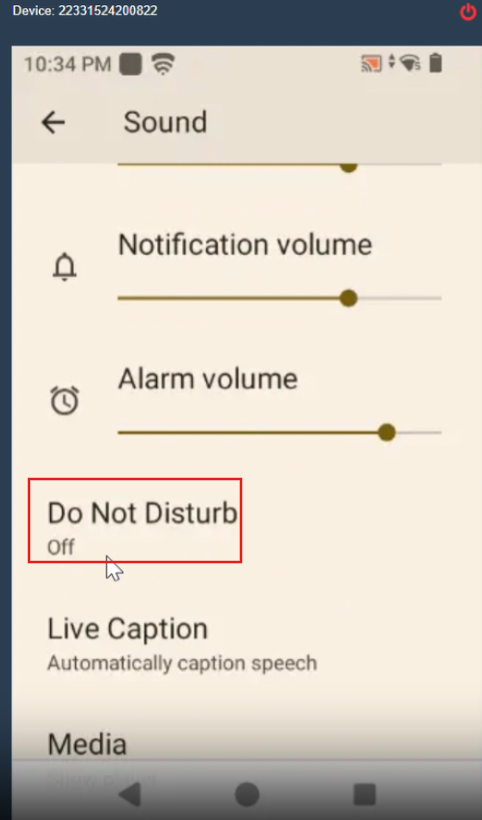
This article describes how to disable the Do Not Disturb (DND) feature on Zebra Android devices using an MX configuration job. Disabling DND ensures that all notifications, alerts, and sounds are received without interruption, which is critical for real-time operations and communication on enterprise devices.
Prerequisites
- Zebra Android Devices with MX 13.5 and above
- SureMDM Agent version should be 28.54.02 or above
- Android 13 and above
Steps
- Log in to the SureMDM Console.
- Navigate to the Jobs section and click on New Job.
- Select the OS as Android and choose Zebra MX Config.
- In the configuration section, insert the XML provided below:
<wap-provisioningdoc>
<characteristic version=”13.5″ type=”UiMgr”>
<parm name=”DND” value=”2″/>
<parm name=”DoNotDisturb” value=”2″/>
</characteristic>
</wap-provisioningdoc>
Note: To re-enable DND, set Insert DND Value = 1.
- Save the job and deploy it to the required device(s).
Conclusion
Once the job is successfully deployed, the Do Not Disturb (DND) mode will be disabled on the Zebra device, ensuring that all notifications and alerts function as expected.
Need more help? Here’s how to get help from our experts.