
Purpose
Imagine an Admin has deployed in-house applications and assigned them to Android devices using a SureMDM Patch Profile. With the latest enhancements in SureMDM App Management, any changes like adding an version update of the app to the SureMDM App Store will automatically trigger the profile to redeploy, ensuring that the apps are updated to the latest version on the target devices.
However, in certain scenarios, an Admin may not want these applications to receive further updates. In such cases, a centralized approach can be used by removing the profile associated with the application.
Once the profile is removed, the app will also be removed from the devices where it was deployed, simplifying management and preventing further updates.
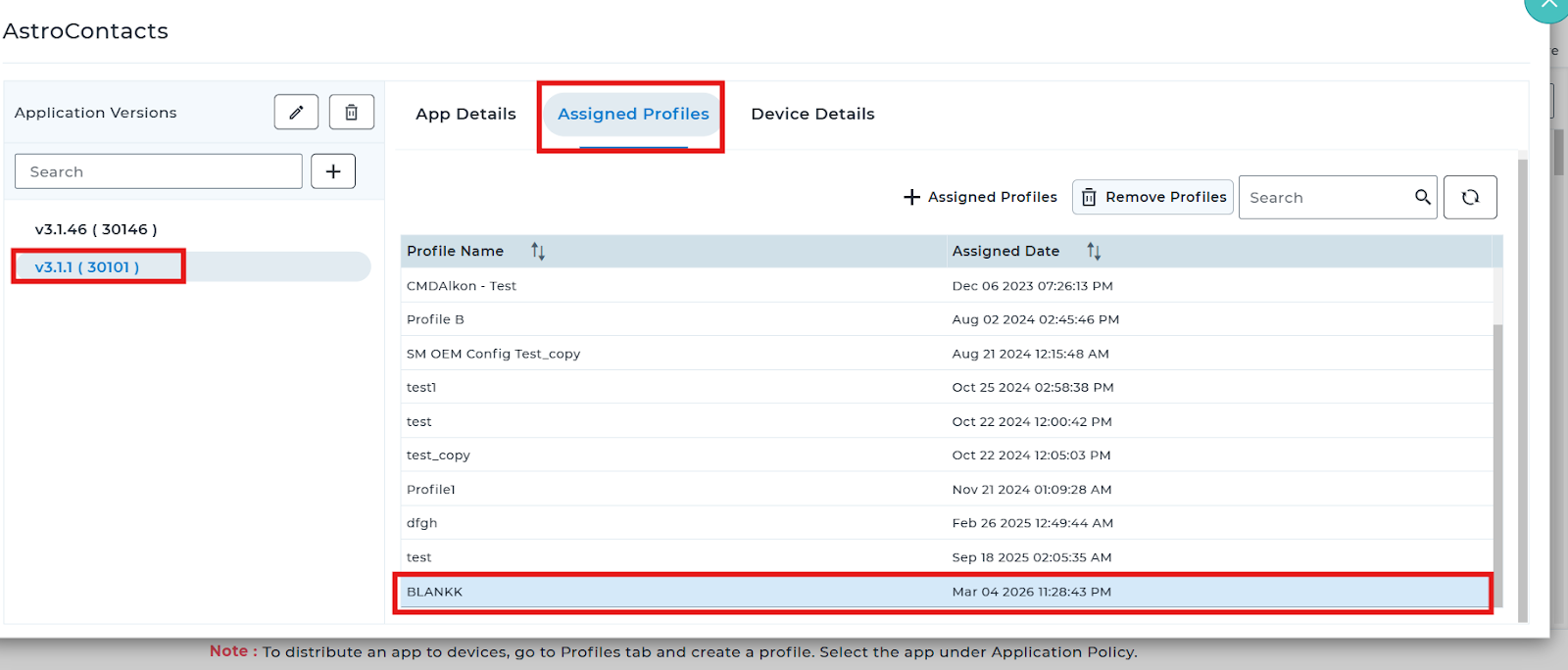
This can be effectively managed by navigating to SureMDM App Store → Assigned Profile tab and removing the assigned profile. This ensures that the devices no longer receive or update the configured applications.
Prerequisites
- Works for Android Patch Profile
Steps
- Login to the SureMDM console > Click on App Store section > select the required application > click on edit .
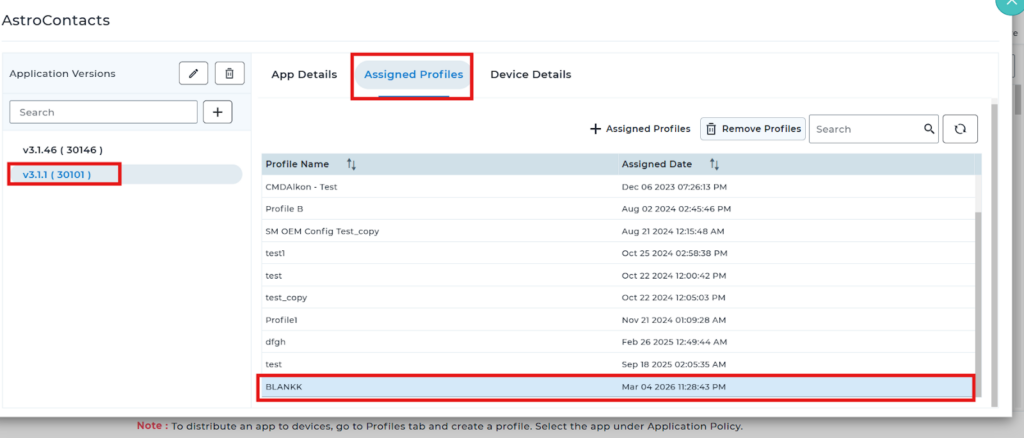
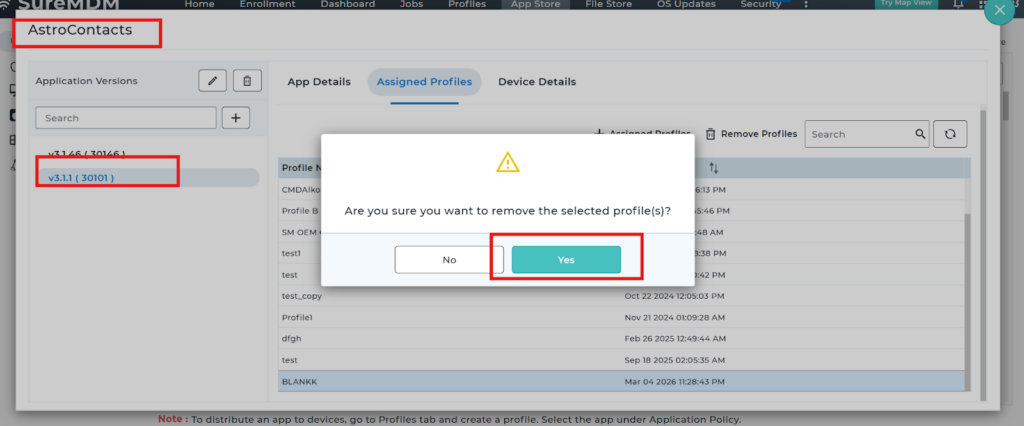
- Please click on the option Assigned Profile > from the profiles list please select the required profile > click on the Remove profiles > please confirm by click on Yes.
Conclusion
Removing the assigned profile provides a simple, centralized way to stop further app updates across devices. This ensures better control over app deployment while preventing unwanted updates.
Need more help? Here’s how to get help from our experts.