
IT administrators should disable the Un-enroll option in the SureMDM agent to prevent end users from unenrolling their devices directly from the device.
Purpose
The purpose of this article is to disable the option to un-enroll for the Windows users.
Prerequisites
N/A
Steps
1. Log in to SureMDM Console.
2.Navigate to jobs and select new job
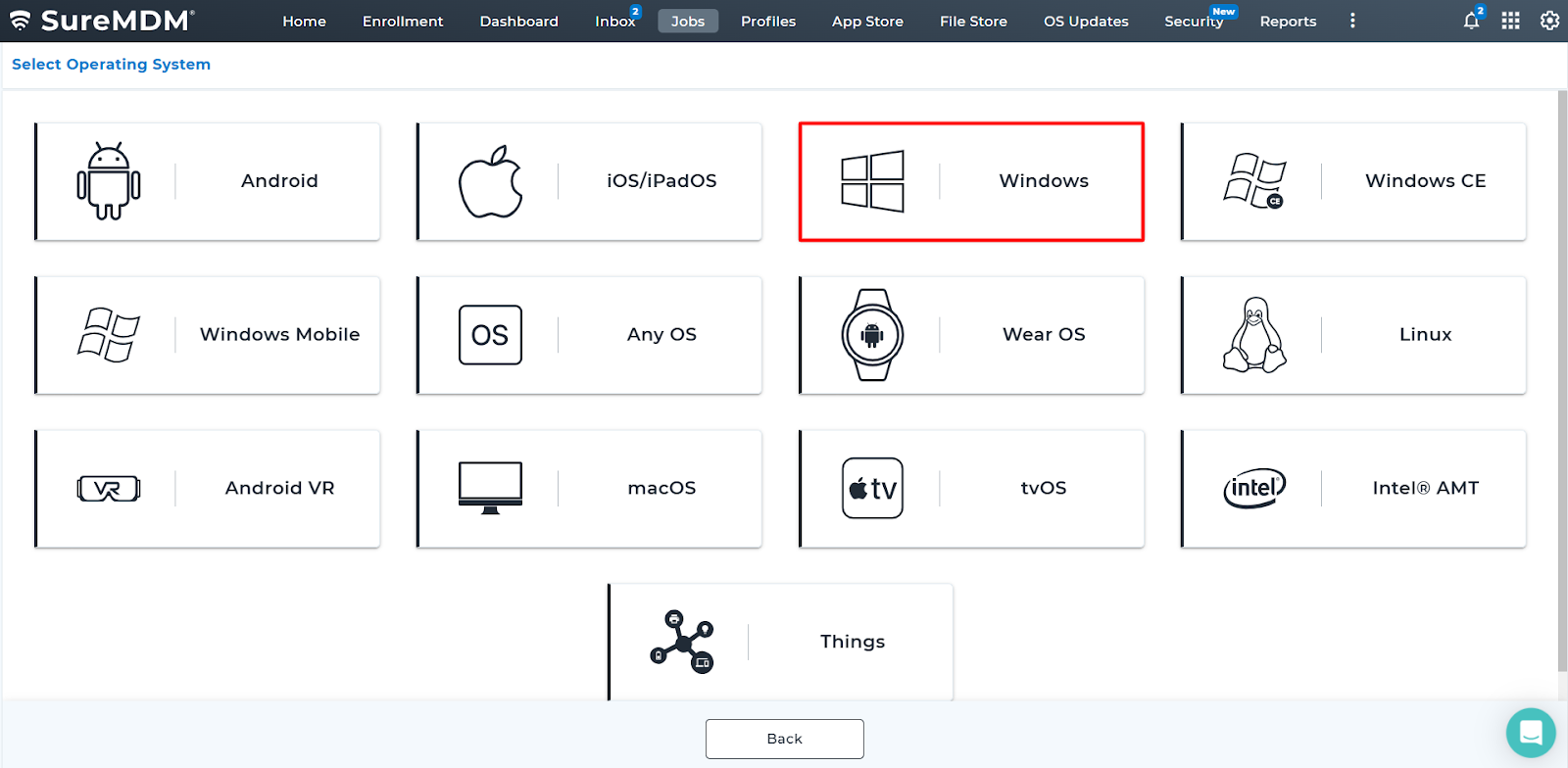
3.Select windows OS.
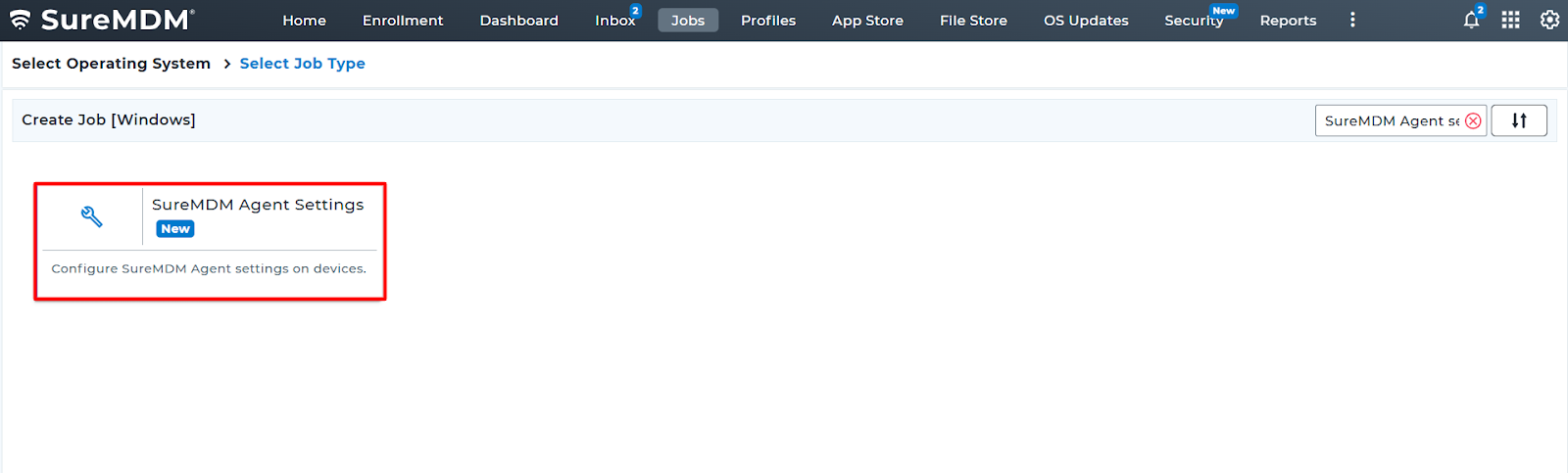
4. Select sureMDM agent settings.
5. Uncheck the option to remove un-enroll option.
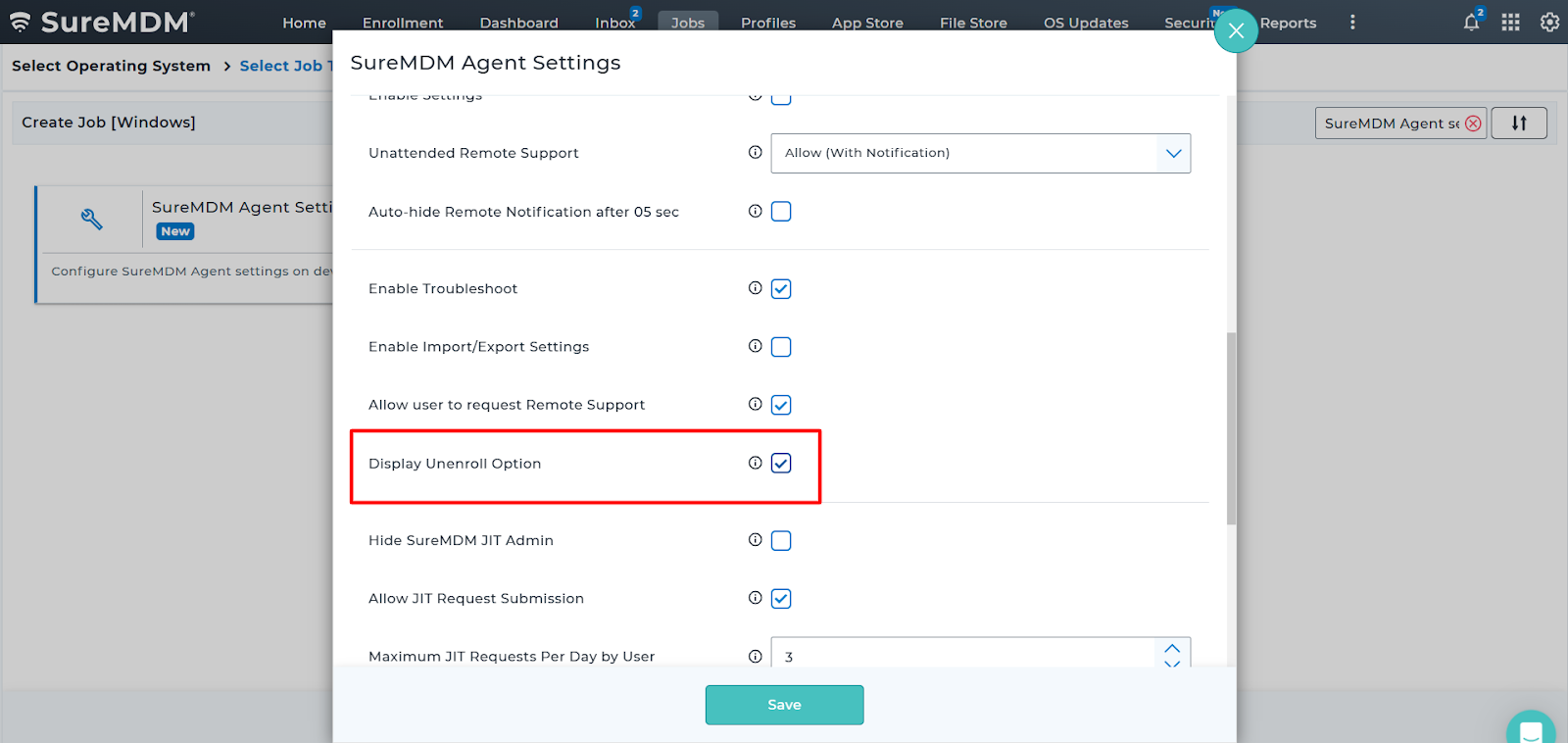
6. Save the job and deploy the job to the device.
Need more help? Here’s how to get help from our experts.
Was this helpful?
YesNo