
Purpose
To help administrators monitor license and storage usage effectively, SureMDM provides configurable consumption notification settings. This allows admins to receive alerts when usage reaches a defined threshold, helping avoid unexpected license or storage exhaustion.
Prerequisites
- Access to the SureMDM Console with Administrative permissions.
- Valid email IDs for receiving notifications
Steps
- On the SureMDM Console → Go to License Management
- Click on the Notification Bell Icon at the Top Right corner.
- On the Consumption Notifications page:
- Set threshold (%) for each category: Device License
- Things License
- VR License
- SureAccess License
- SureIdP License
- Storage
- Set threshold (%) for each category: Device License
- Enable notifications for the required categories.
- Enter Email IDs to receive alerts.
- Save.
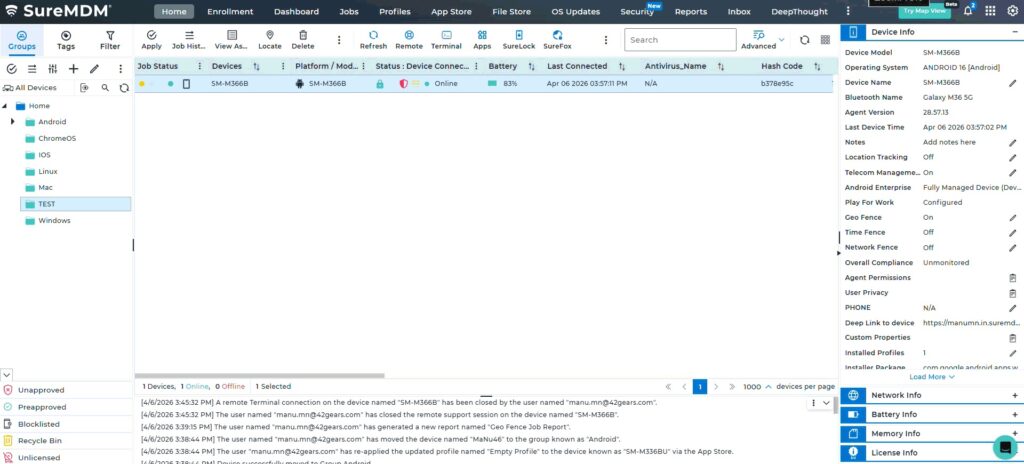
Expected Results
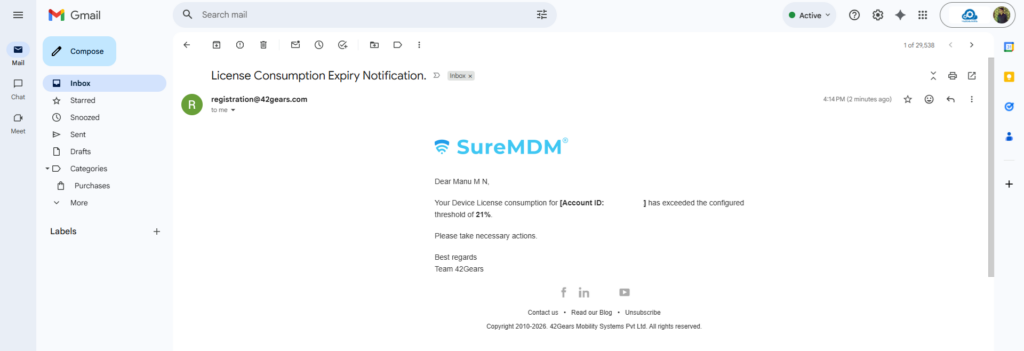
- Email notifications are automatically triggered when usage exceeds the configured threshold
- Alerts are sent to the specified recipients
- Administrators gain better visibility into license and storage consumption
Advantages
- Proactively monitor license and storage usage
- Helps prevent unexpected service interruptions due to license exhaustion
- Improves planning and resource allocation
- Provides separate control for different license types
- Reduces manual effort with automated email alerts
- Enhances visibility for administrators on usage trends and limits
Conclusion
The consumption notification feature in SureMDM enables proactive monitoring of license and storage usage. By configuring thresholds and alerts, administrators can prevent service disruptions, improve planning, and reduce manual tracking efforts.
Need more help? Here’s how to get help from our experts.
Was this helpful?
YesNo