
Purpose
This configuration in SureMDM allows administrators to control whether users can modify Power and Sleep settings on Windows devices. It helps organizations balance energy efficiency and productivity by defining how long devices remain active or idle before entering sleep mode or turning off the display. By enabling or restricting access, IT teams can enforce consistent power management policies, extend battery life on portable devices, and reduce unnecessary energy consumption across the enterprise.
Prerequisites
NA*
Steps
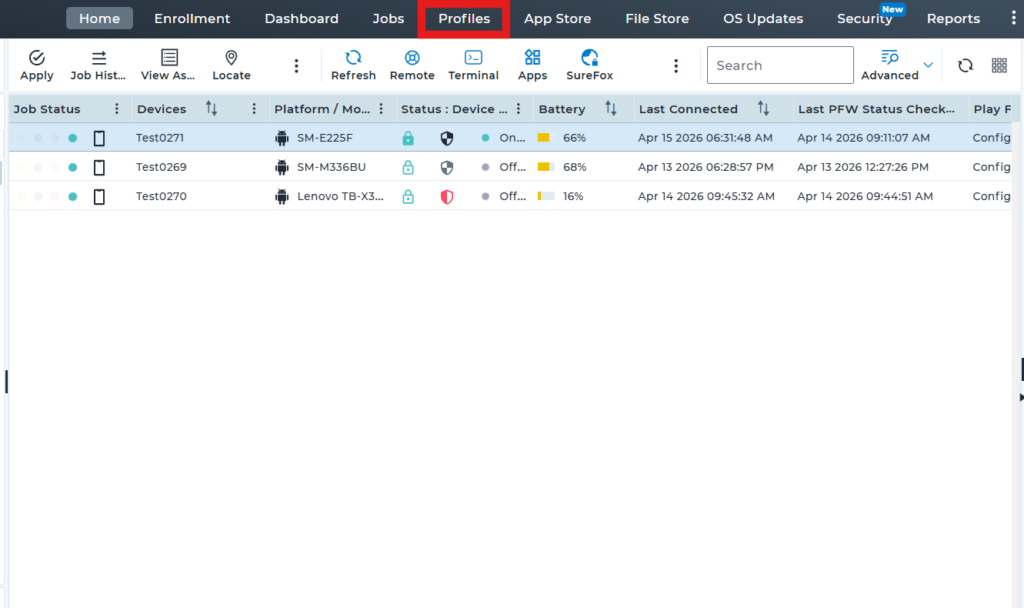
1.Go to the profile section from the top navigation bar.
2.Select Windows as the operating system (OS) to create and configure a new profile.
3.In the profile, click on Restriction Policy, then select Configure to view the available features and settings.
4.After completing the above step, expand Control Panel and Settings, search for the Allow Power and Sleep Modification option, and disable it. Then, save the profile and deploy it to the device.
5. After successful deployment of the profile, the Allow Power and Sleep Modification option will be hidden on the device.
Before Profile Deployment:-
After Profile deployment :-
Conclusion
By managing Power and Sleep modification settings through SureMDM, organizations gain centralized control over device energy behavior. This ensures optimized battery usage, improved system efficiency, and uninterrupted workflows while maintaining security and compliance. It also allows IT administrators to standardize power policies across all Windows endpoints, supporting both operational efficiency and device performance management.
Need more help? Here’s how to get help from our experts.