
Purpose
To quickly access frequently used jobs, you can mark jobs as favorites in the SureMDM console. This helps improve efficiency by allowing easy navigation to commonly used jobs.
Prerequisites
- Access to the SureMDM console
- Availability of jobs in the Jobs section
Steps
Steps to Mark the JOB as Favourite
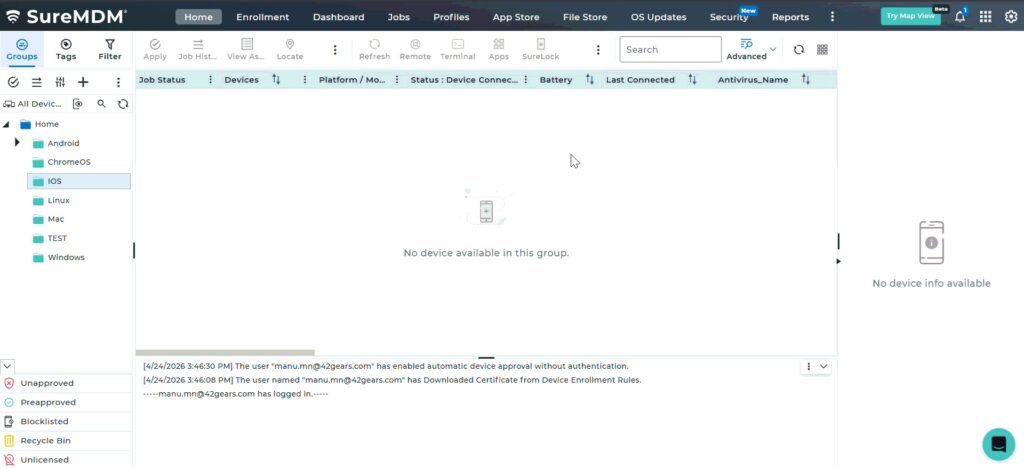
- Log in to the SureMDM console and click on Jobs.
- In the list of available Jobs, locate the star icon at the beginning of each job.
- Hover over the star icon to see “Add to Favorites.”
- Click on the Star icon to mark the Job as a Favorite.
Steps to View Favorite Jobs:
- In the SureMDM console, click on Jobs.
- At the top of the Jobs page, click on the Favorite Jobs (star icon).
- View the list of all jobs marked as favorites.
Expected Results
- Selected jobs are marked as favorites.
- Favorite jobs are easily accessible from the Favorite Jobs section.
Conclusion
Marking jobs as favorites allows administrators to quickly access frequently used tasks, improving efficiency and reducing time spent searching for specific jobs.
Need more help? Here’s how to get help from our experts.
Was this helpful?
YesNo