
The purpose of this guide is for SureMDM administrators to remove the previously deployed time fence job on the devices.
Prerequisites
Please make sure the time fence job is applied on the devices.
Steps
If the Old Job is listed in the Jobs section
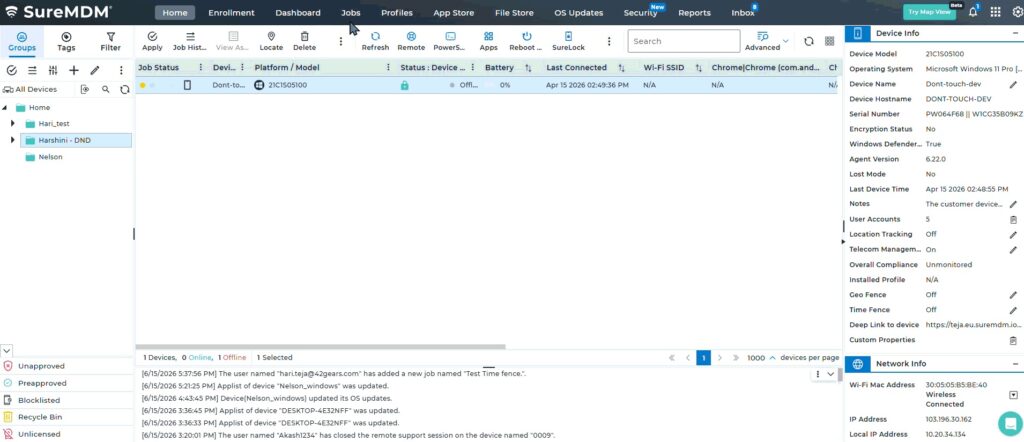
Click on Job-> Search for the old Time Fence Job which was applied on the device -> click on Modify -> uncheck the option ( Enable Time Fencing) -> Save -> Redeploy on the same devices.
If the Old Job is not listed in the Jobs section
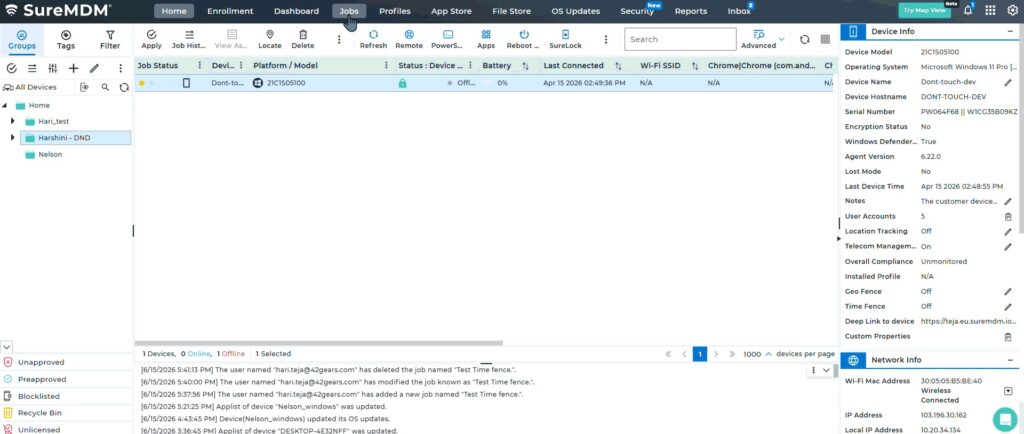
Click on Job-> New Jobs -> choose Android -> choose time fence job -> Uncheck the option ( Enable Time Fencing) -> give a name and save and deploy on the device.
Note: – The new job should override the old time fence job configured on the device.
Conclusion
In both cases, whether you create a new job or modify the existing job, save and deploy on the device. The old time fence job configured on the device should be overridden, and as a result, the old time fence job configured on the device should be removed.
Need more help? Here’s how to get help from our experts.