
Purpose
This feature lets the admin apply a profile to all the devices in a targeted group or multiple groups at once without manually applying on devices one by one.
Prerequisites
Access to SureMDM console and permission to deploy profile.
Steps
1. Navigate to Profiles and select the Profile that needs to be deployed to the group.
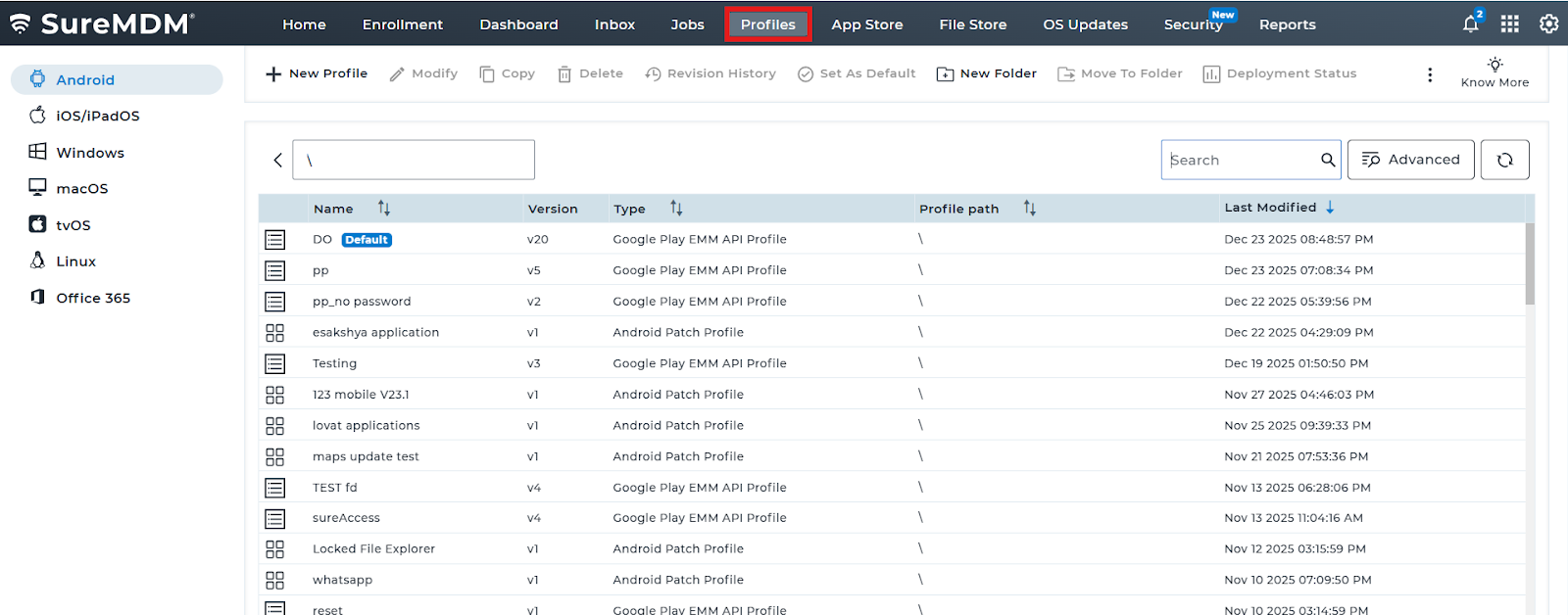
2. Select the “Assignments” options as shown below
3. Select the groups from the shown list to which you want to deploy the profile.
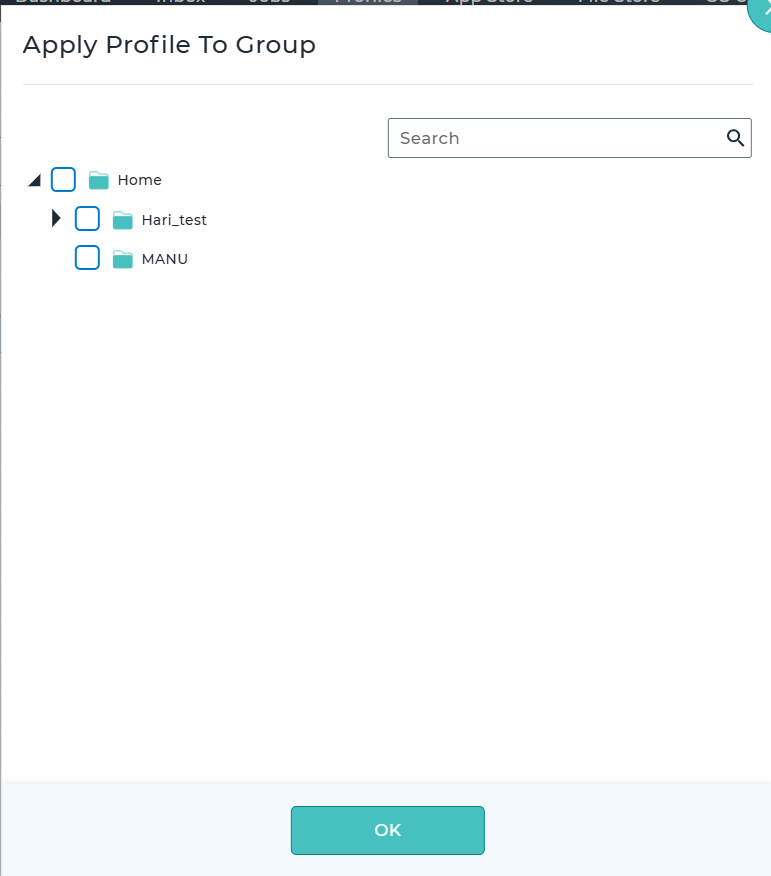
4: Click on OK and the profile will be deployed to the selected group and the devices present on the group.
.
Conclusion
SureMDM allows administrators to efficiently apply profiles to devices by associating them with the appropriate device groups via the Assignment Tab under Profile Tab.
Need more help? Here’s how to get help from our experts.