
Purpose
This guide explains how to configure a Private DNS server on Android devices using SureMDM and prevent users from modifying the configured DNS settings. This ensures consistent DNS resolution, strengthens network security, enforces organizational policies, and protects managed devices from unauthorized or accidental changes to the Private DNS configuration.
Prerequisites
Supported on Android 10 and later with SureMDM Agent version 27.51.07 or later.
Steps
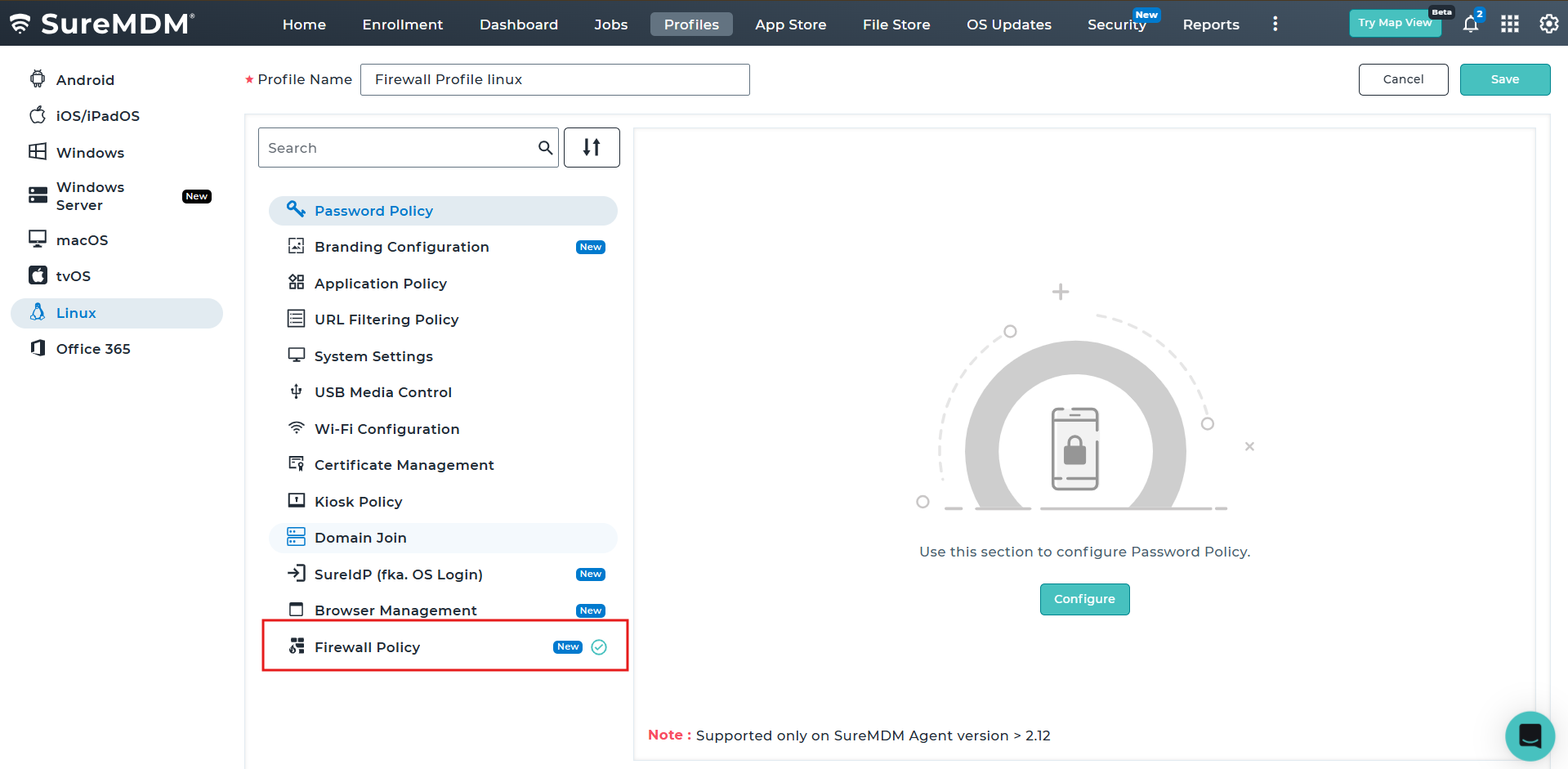
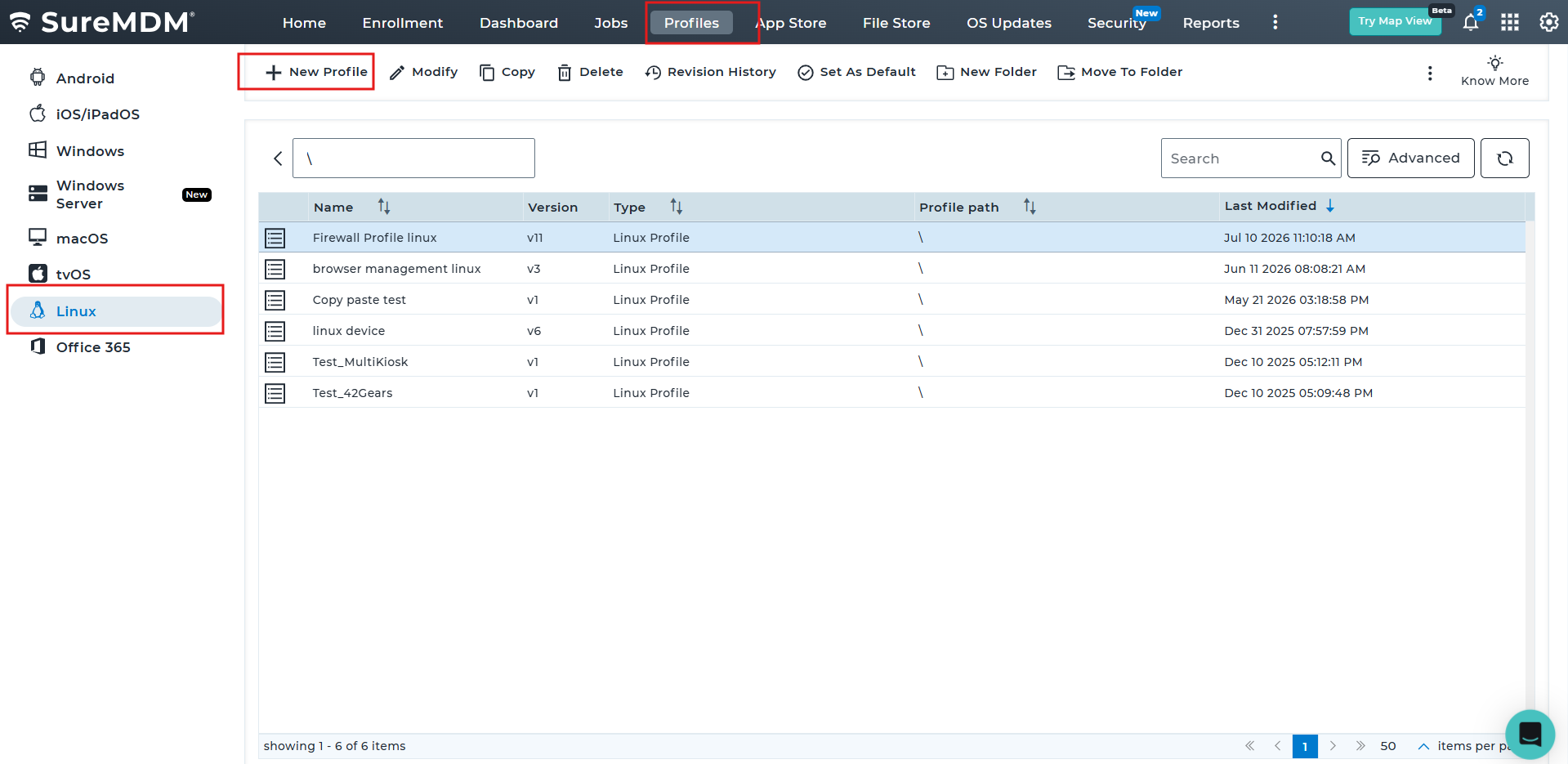
1. Navigate to the profile section from the top navigation bar.
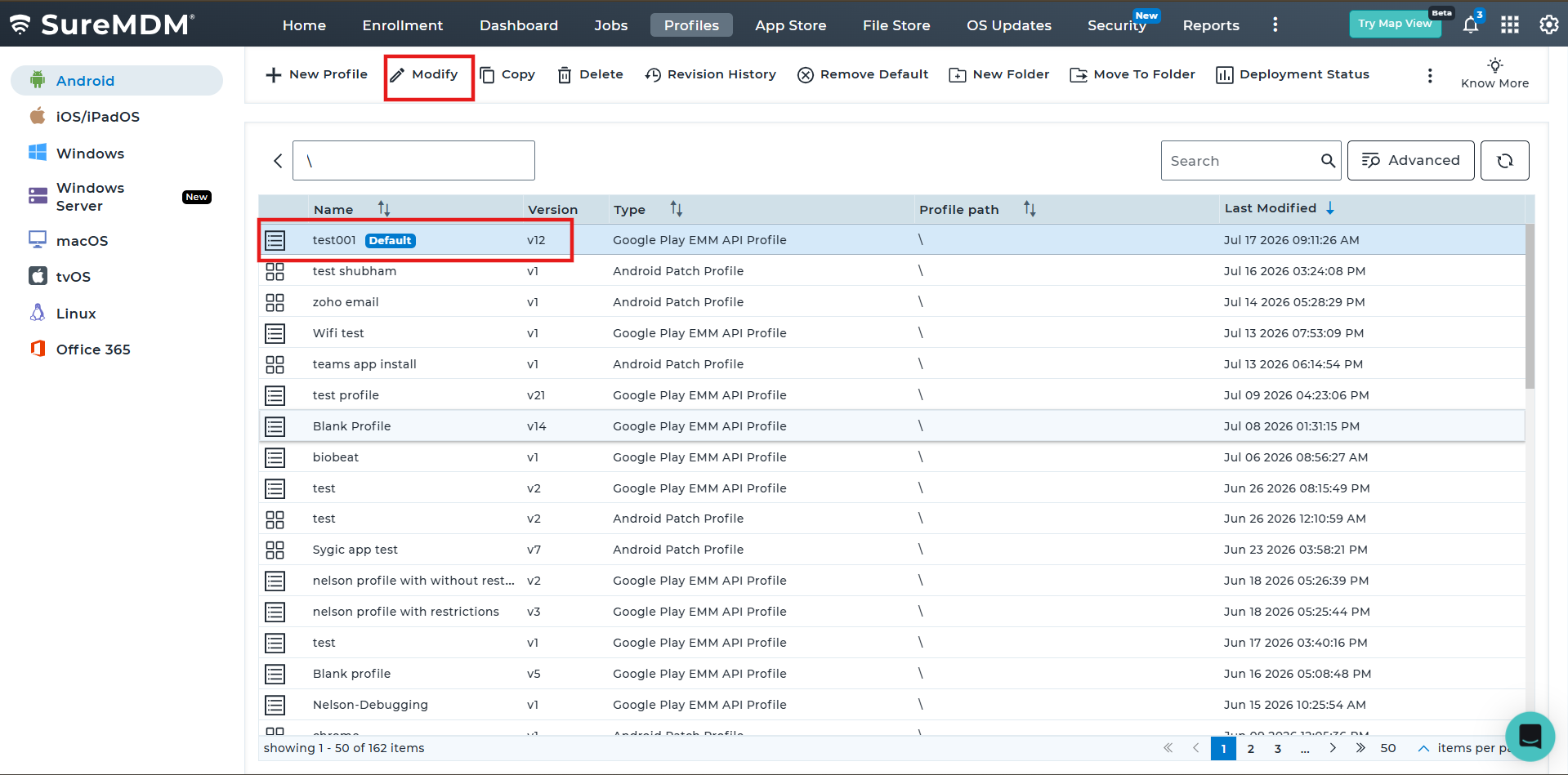
2. Select the Android OS to create a new profile or edit an existing profile, then configure the required settings to prevent Private DNS configuration on managed devices.
3. Under System Settings, search for Disallow Private DNS and enable the option. Then, navigate to Network Settings > Private DNS. Set the Private DNS Mode to Private DNS Provider Hostname, and in the Hostname field, enter your preferred DNS provider (for example, dns.google). Configure the settings as shown below to enforce the specified Private DNS server and prevent users from modifying the Private DNS configuration on the device.
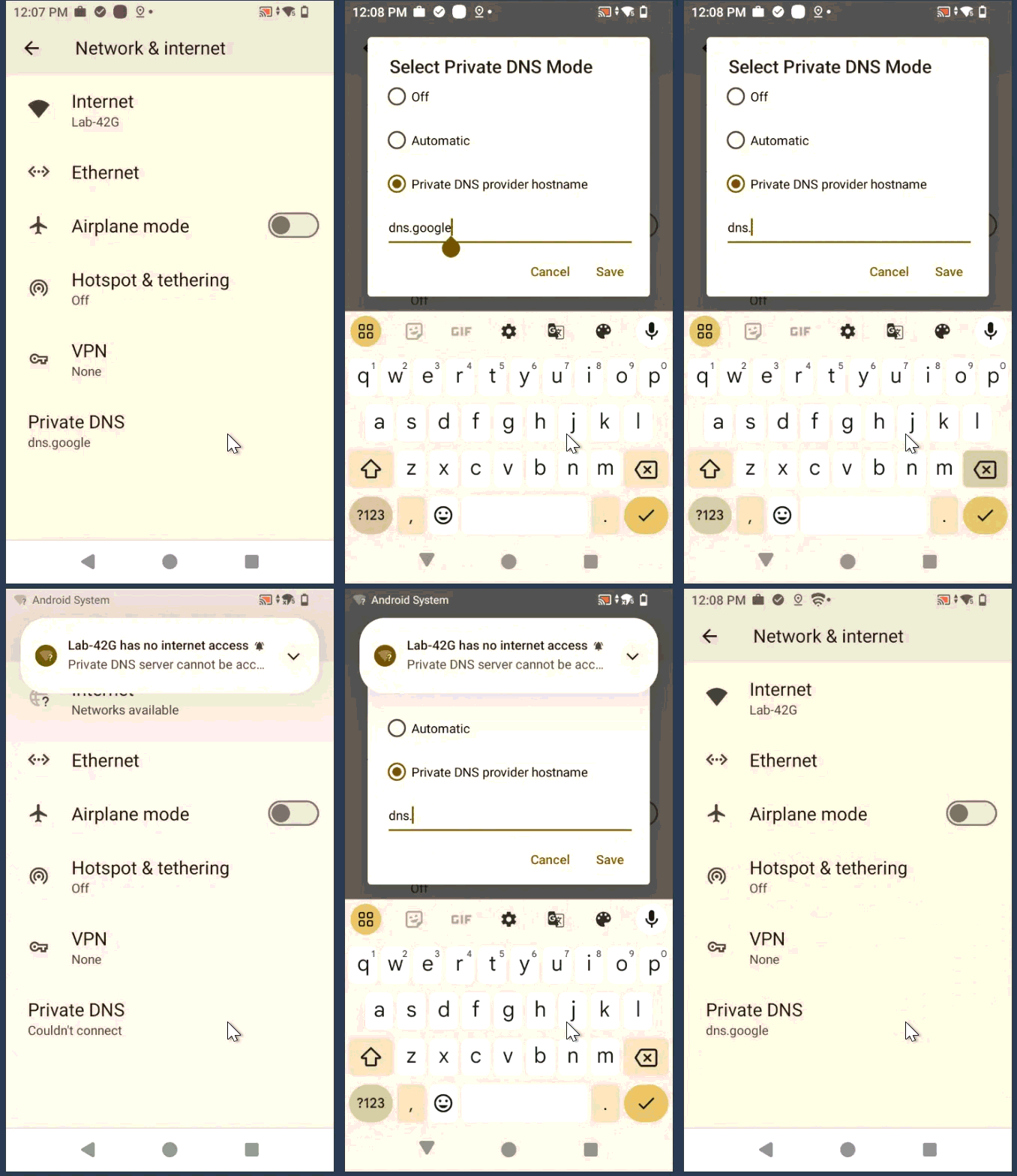
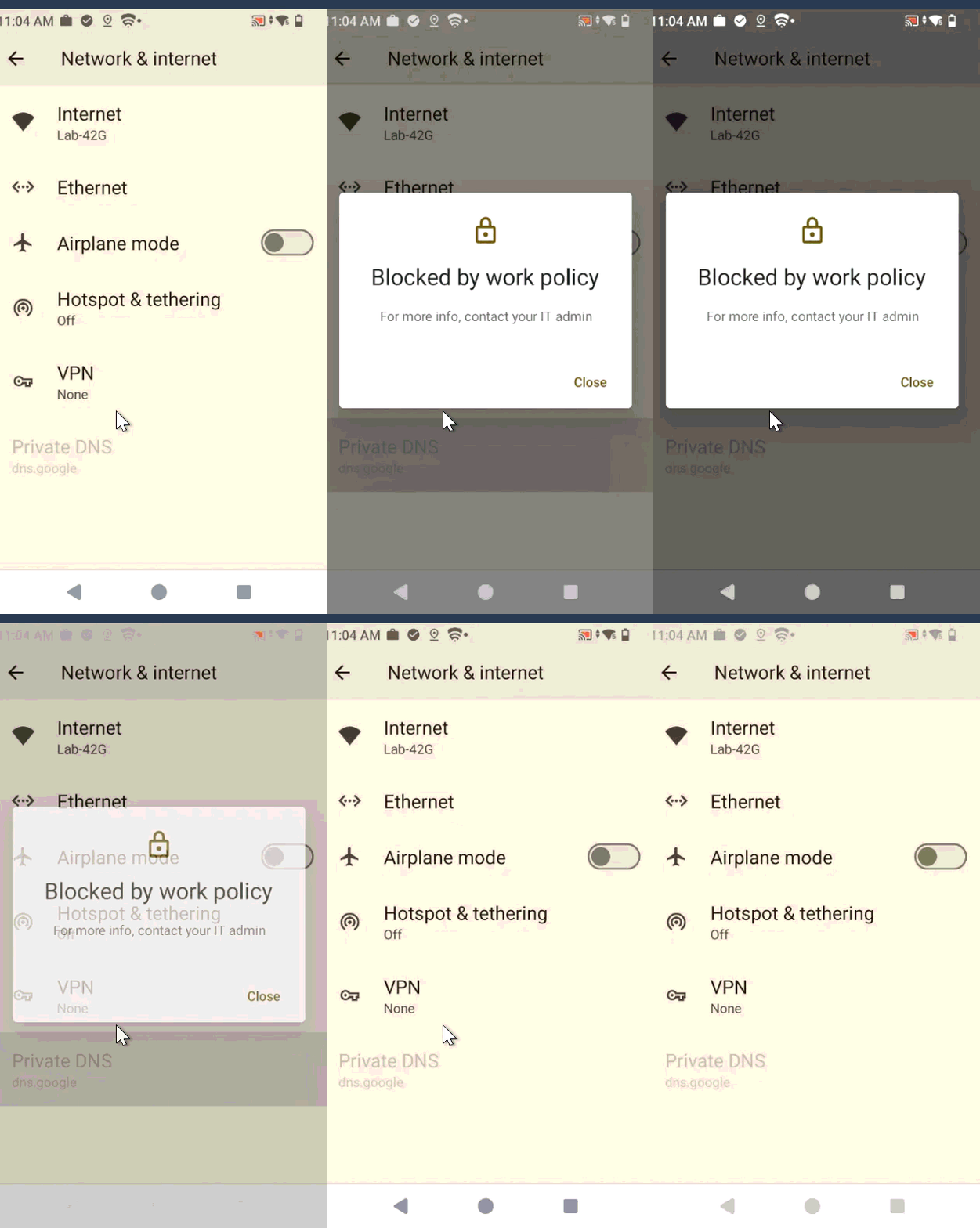
4. Save the profile and deploy it to the target device(s). Once the profile is applied, the configured Private DNS settings will be enforced. Users will no longer be able to configure or modify the Private DNS settings or change the configured Private DNS provider hostname on the device.
Before profile Deployment :-
After profile Deployment :-
Conclusion
By configuring Private DNS through SureMDM and enabling the Disallow Private DNS restriction, administrators can enforce a trusted DNS provider across managed Android devices while preventing users from modifying the configuration. This helps maintain consistent DNS resolution, strengthens network security, ensures compliance with organizational policies, and reduces the risk of unauthorized or accidental changes. Once the profile is deployed, the configured Private DNS settings remain enforced, providing a secure and centrally managed network experience for all enrolled devices.
Need more help? Here’s how to get help from our experts.