
This article explains how to enable or disable the Data Saver feature on platform-signed Android devices using a Run Script job in SureMDM. It provides the required commands and steps to remotely manage Data Saver settings without manual intervention on the device. This helps administrators enforce network usage policies efficiently across multiple devices.
Purpose
This feature enables administrators to remotely enable or disable the Data Saver option on platform-signed devices using a run script. It helps enforce data usage policies, optimize network performance, and ensure consistent settings across managed devices without requiring manual user intervention.
Prerequisites
The devices must also be platform-signed to enable this functionality.
Steps
The following steps outline the process for deploying the job on iOS/iPad devices.
Step 1: Go to the Jobs section from the top navigation bar.
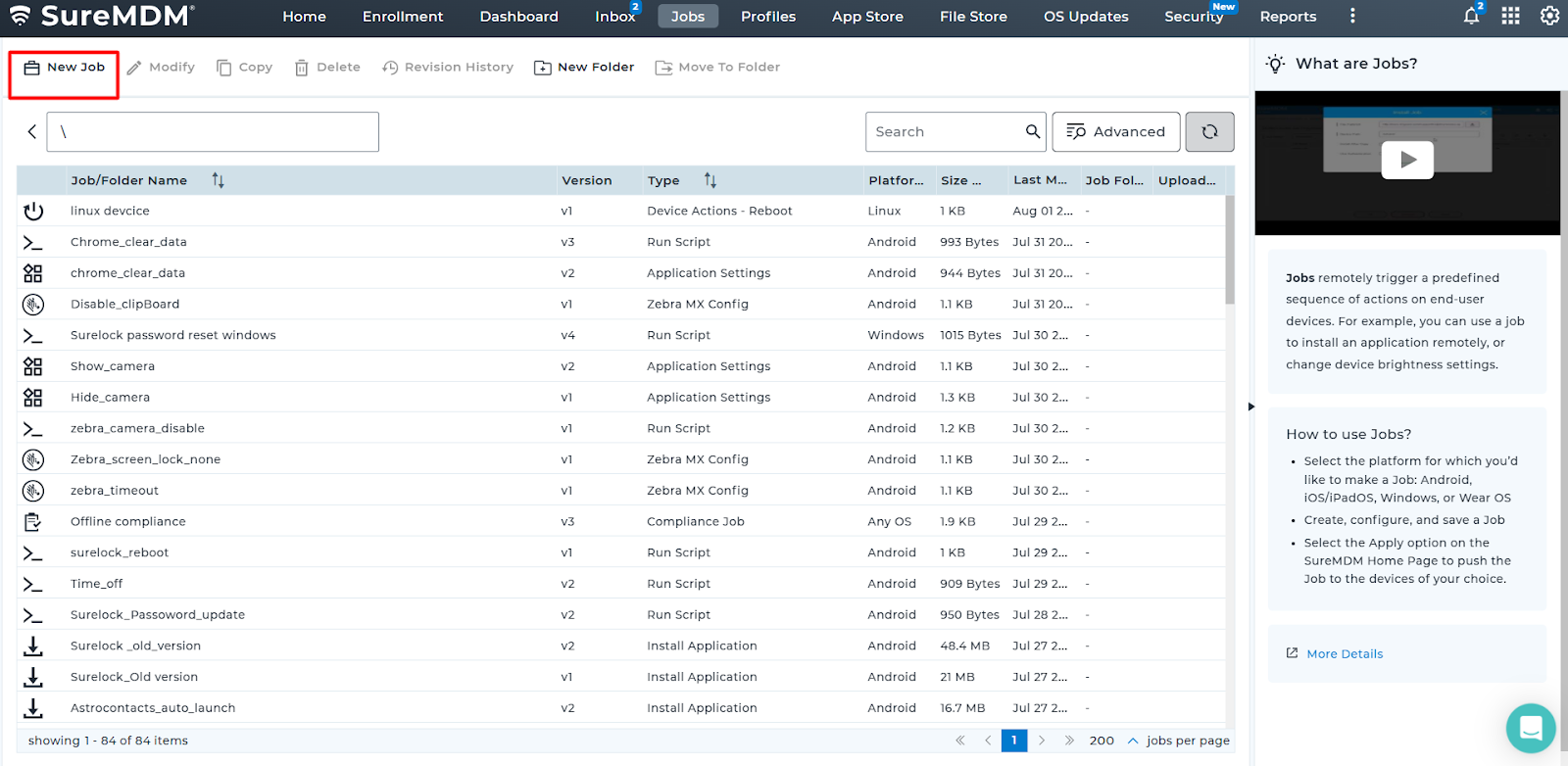
Step 2: Select the option to create a new job to set up the new job.
Step 3: Select the appropriate OS platform [Android]
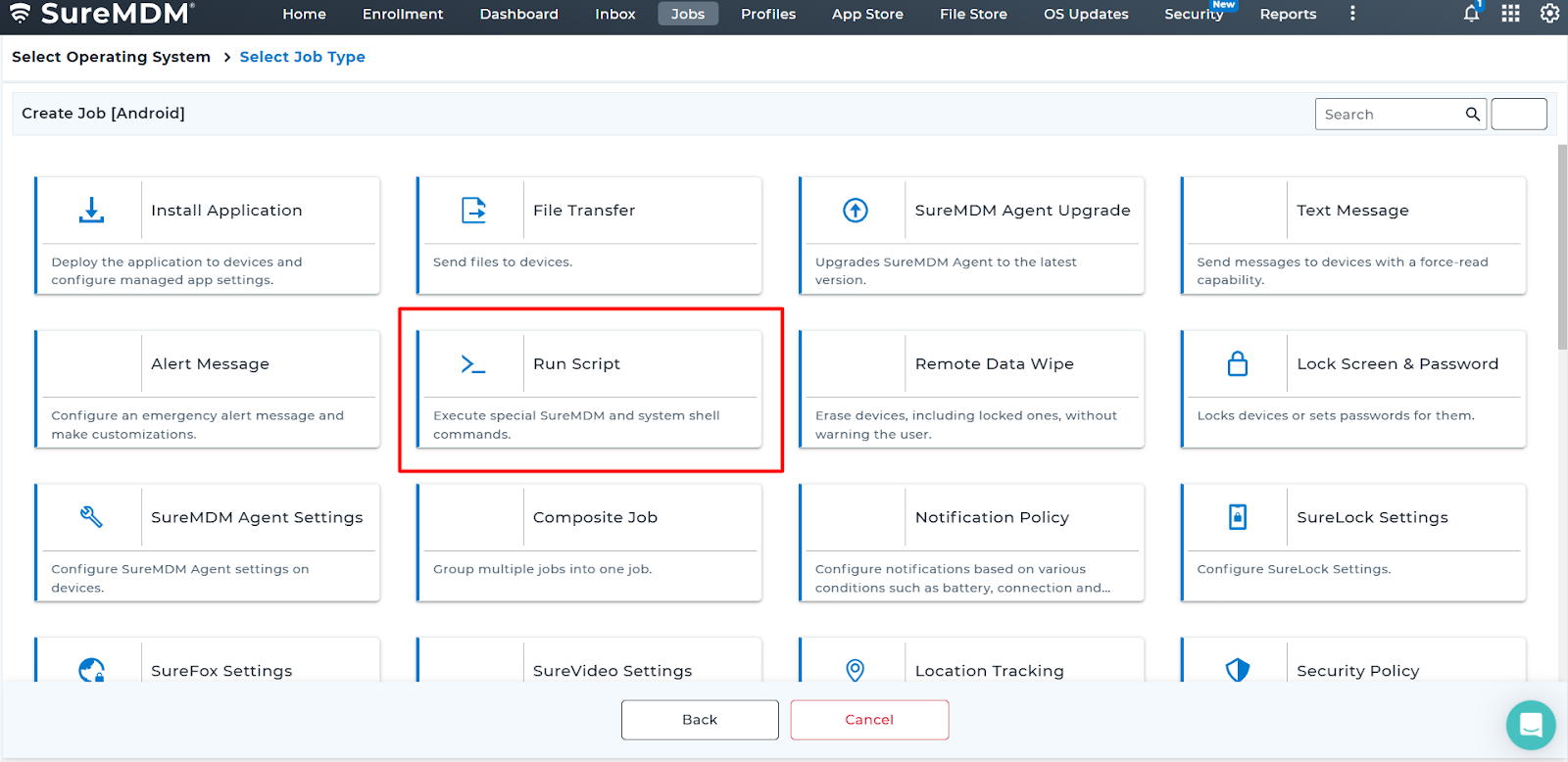
Step 4: Locate the job named [Run Script] from the list.
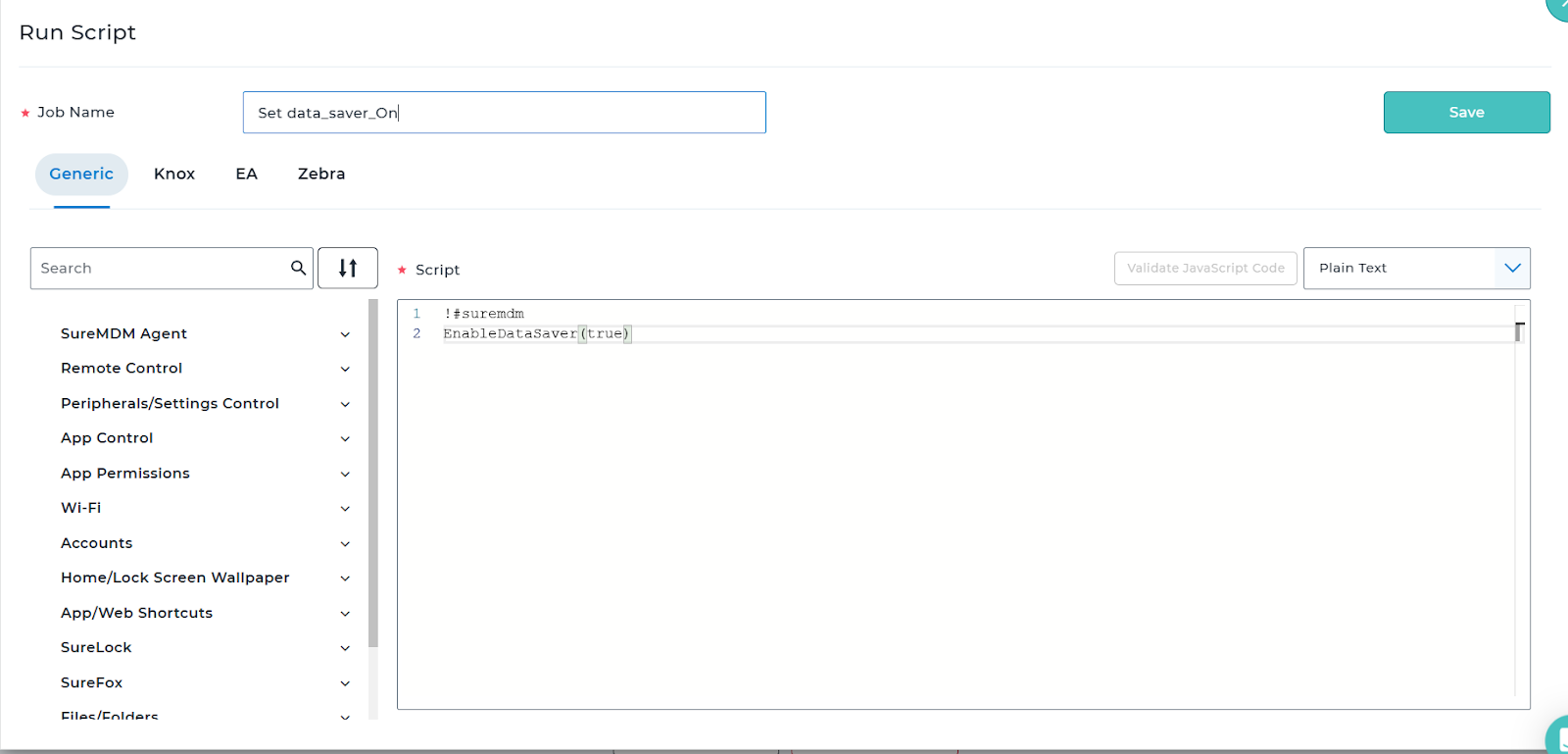
Step 5: Enter the runscript in the correct format, which is shown in the image.
!#suremdm
EnableDataSaver(true/false)
Options: true – Turns Data Saver ON, false – Turns Data Saver OFF
Need more help? Here’s how to get help from our experts.