
Purpose
This feature will allow admin to create a user for only tracking the location without giving any other privileges that leads to modification of the device configuration.
Prerequisites
N/A
Steps
1. Navigate to settings and select USER MANAGEMENT.

2. Please select Create user

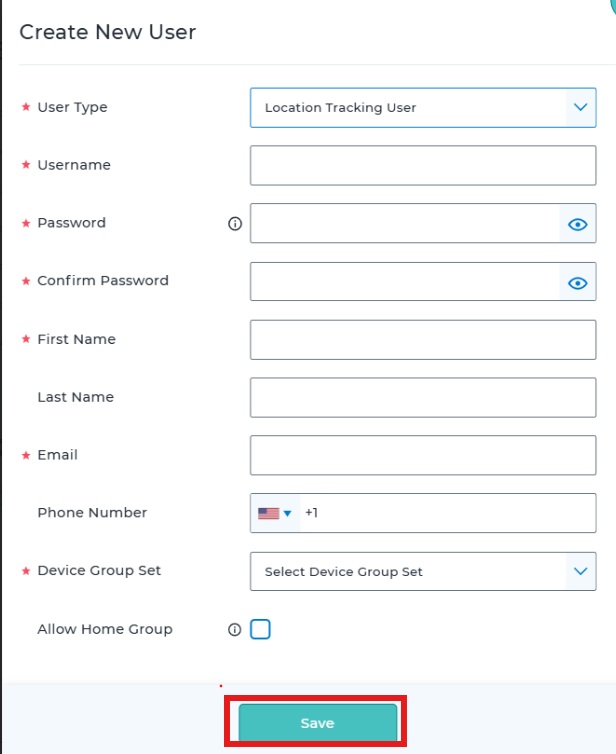
3: Select the user type to “LOCATION TRACKING USER”
4. Then configure the other necessary fields and assign the correct device group set and save the user
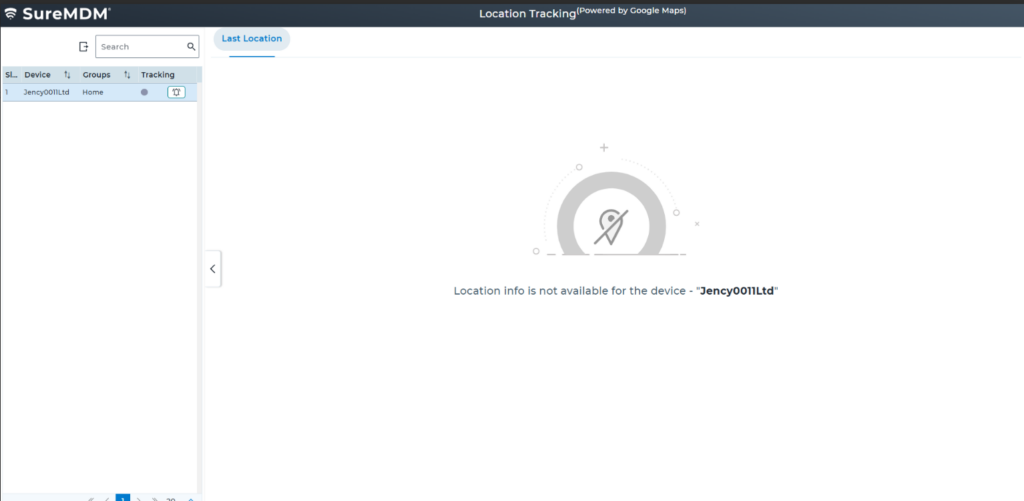
5. Login with the location tracking user credentials and the user will only be able to see the location tracking page.
Need more help? Here’s how to get help from our experts.
Was this helpful?
YesNo