
Purpose
This feature restricts the user from taking screenshots while using Managed Chrome Browser to maintain privacy and security from unauthorized users.
Prerequisites:
N/A
Steps
1. Navigate to Profiles and select New Profile or you can modify the existing profile.
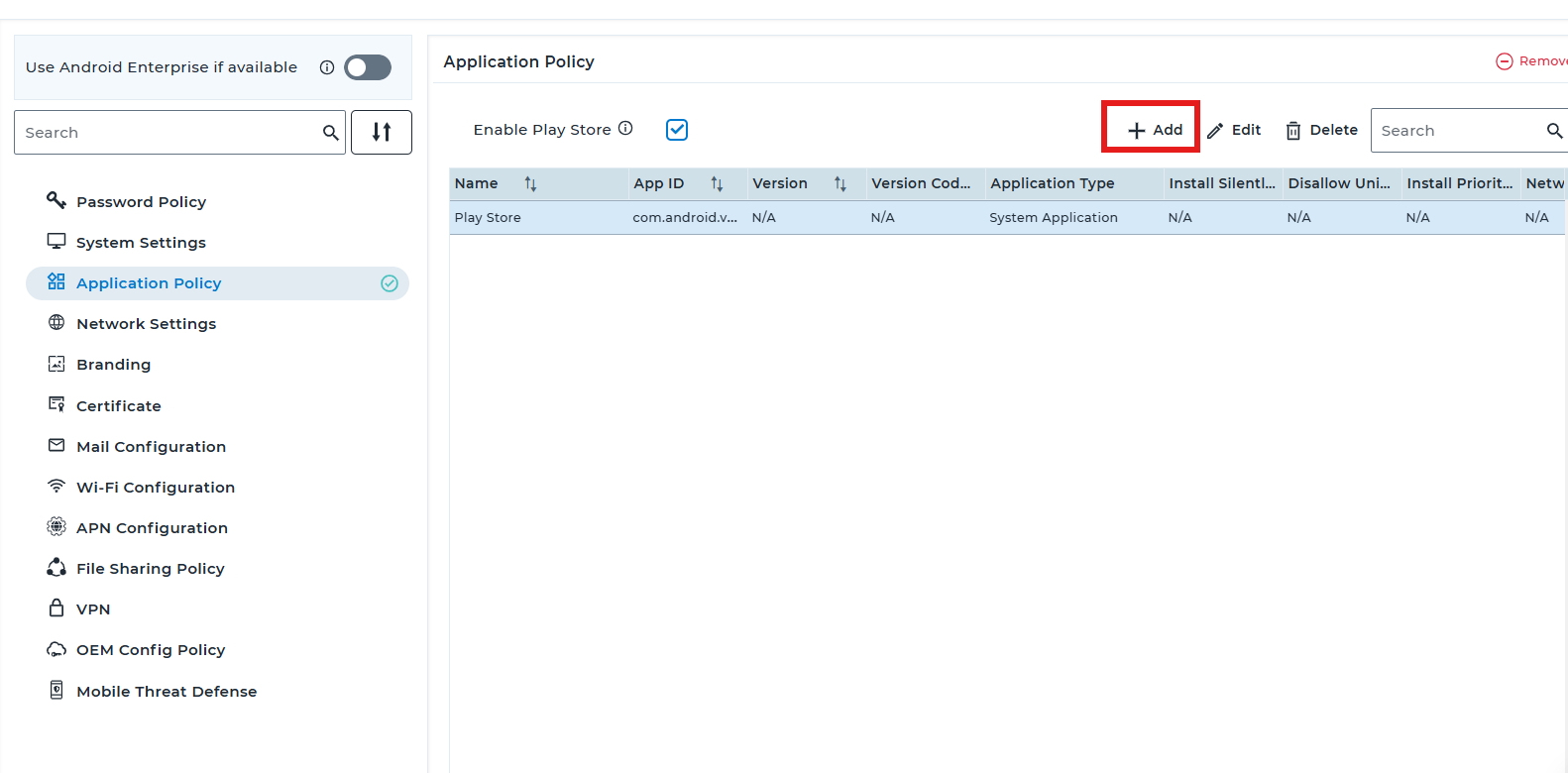
2. Navigate to Application policy -> ADD
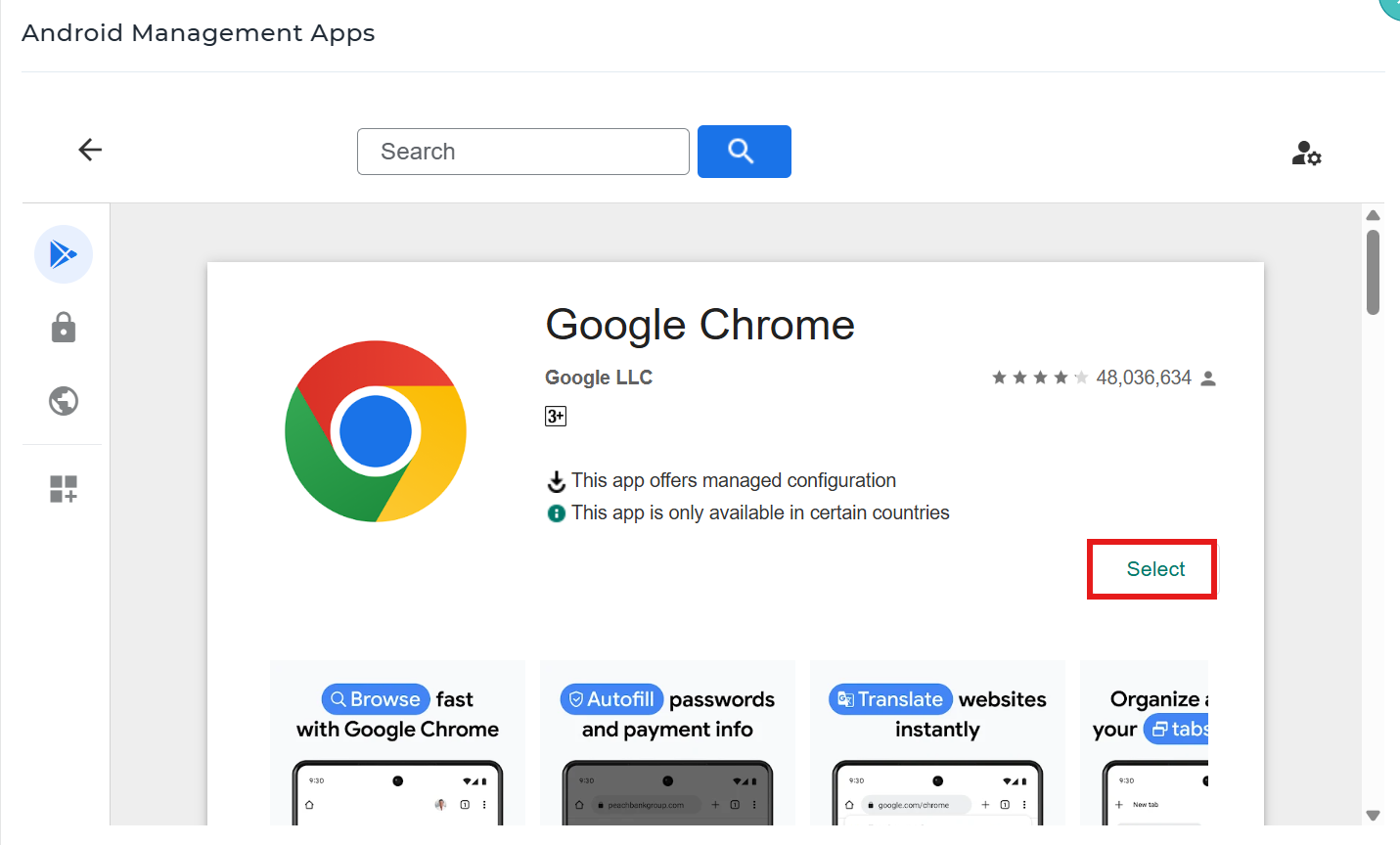
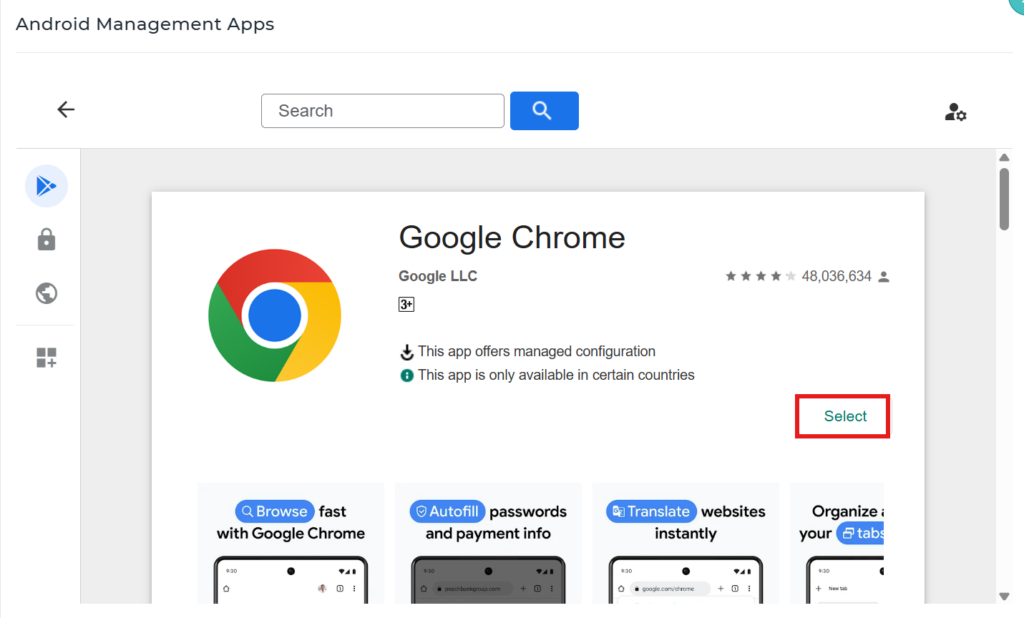
3: Select Play For Work and add Chrome .
4:In Managed configuration search for “Disable taking screenshots” And select “configure” and toggle the option save the settings and deploy the profile to the device.
5. This will prevent the end users from taking screenshots of the device screen while using the Chrome Browser.
Conclusion
By applying the managed Chrome configuration through SureMDM, administrators can effectively disable screenshots within the Chrome browser on managed devices for the end user. This helps enhance data security and prevent unauthorized capture of sensitive information. The policy is centrally enforced via MDM, ensuring consistent behavior across all enrolled devices.
Need more help? Here’s how to get help from our experts.