
Overview
The Customer ID is a unique identifier assigned to your organization within the ProGlove ecosystem. It is used to identify your organization across ProGlove services and is required for tasks such as accessing the ProGlove Insight portal, provisioning and enrolling devices.
This article explains what the Customer ID is, where to find it, and the scenarios in which you may need to use it.
Prerequisites
Active user account on the ProGlove Insight portal.
Step
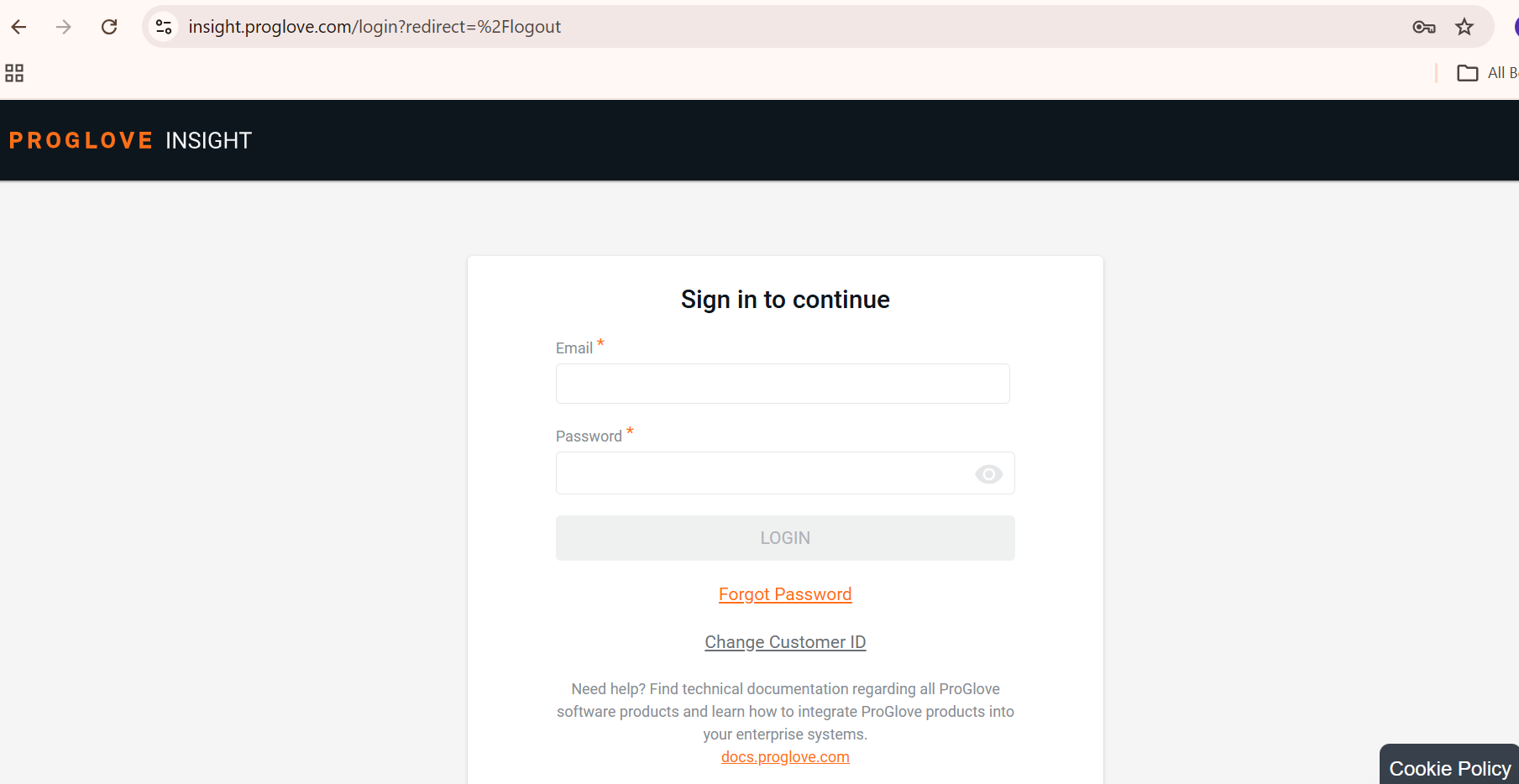
1. Open insight.proglove.com in your web browser and sign in to your account to access the Insight Portal.
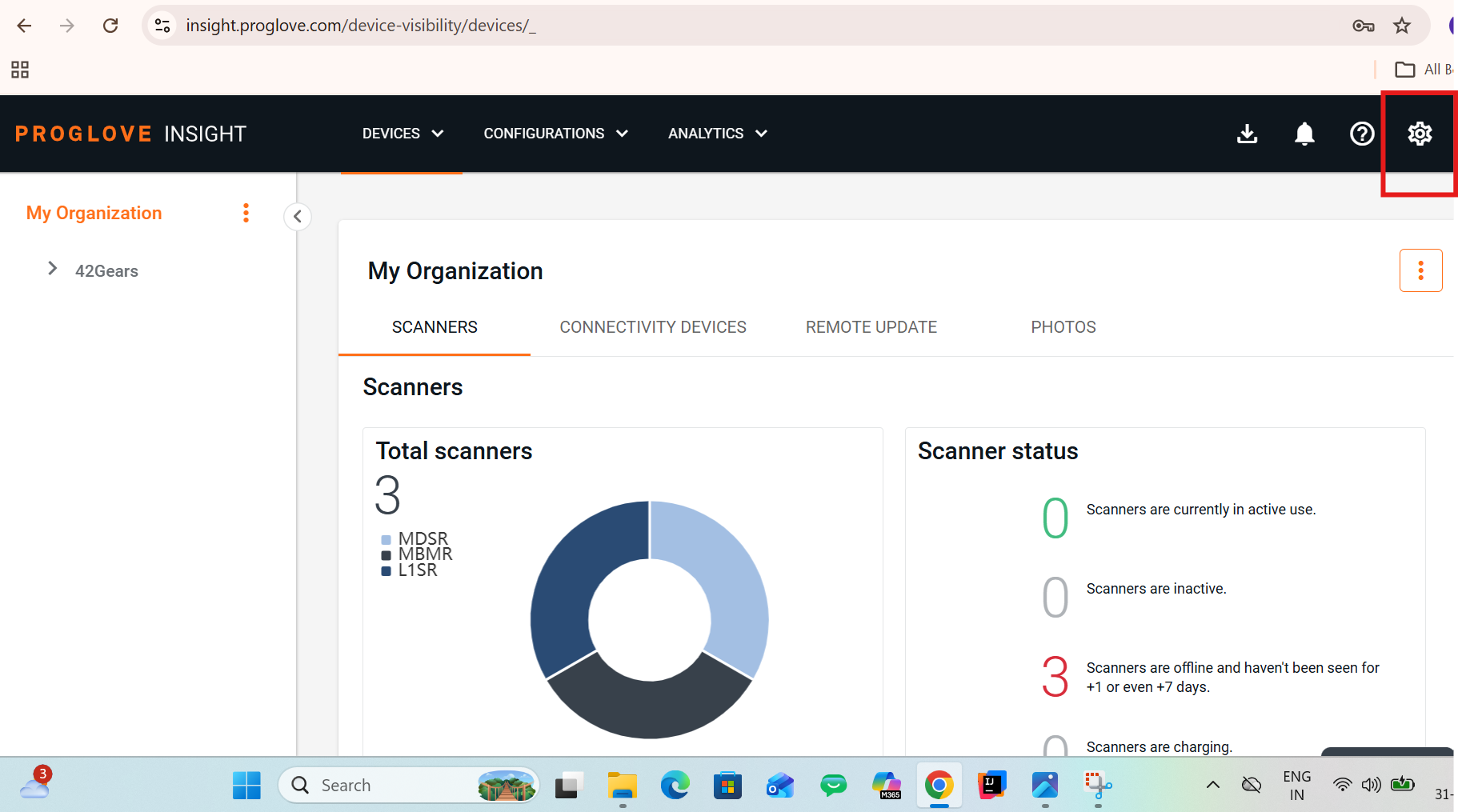
2. Click the Settings (gear) icon in the primary navigation menu to access the settings.
3. Select Account Settings from the dropdown or settings sidebar menu to open your account settings.
4. Under Account Details > Overview, locate the Customer ID field to view your Customer ID.
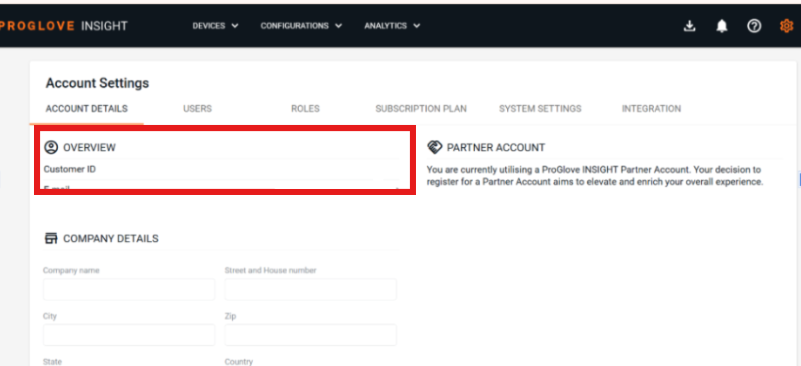
5. Copy the Customer ID to use it for ProGlove enrollment.
Conclusion
By retrieving and utilizing the ProGlove Customer ID from the Insight Portal, administrators can successfully establish the necessary trust link between ProGlove portal and enterprise management infrastructure. This ensures seamless device enrollment via SureMDM.
Need more help? Here’s how to get help from our experts.