
Purpose
This feature allows the Admin to manage eSIM settings on iOS and iPadOS devices using a profile in SureMDM, enabling administrators to remotely configure cellular connectivity on supported devices.
Prerequisites
OS Requirement for below features.
- Force preservation of eSIM on erase – iOS/iPadOS 17.2 and later
- Allow Modify eSIM settings – iOS 12.1, iPadOS 13.1 and later
- Allow ESIM Outgoing Transfers – IOS 18 and later
Steps
1. Navigate to Profiles and select iOS/iPad OS -> new profile -> and select the type of enrollment you have enrolled the device.

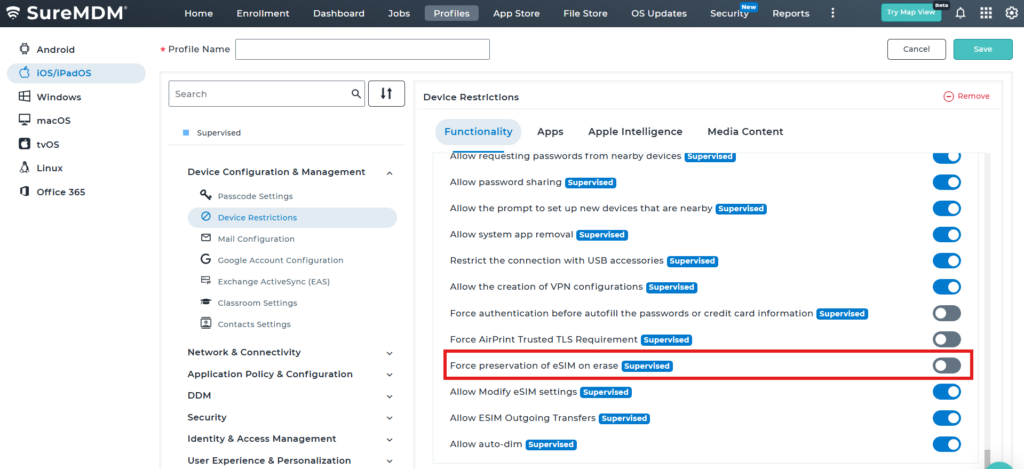
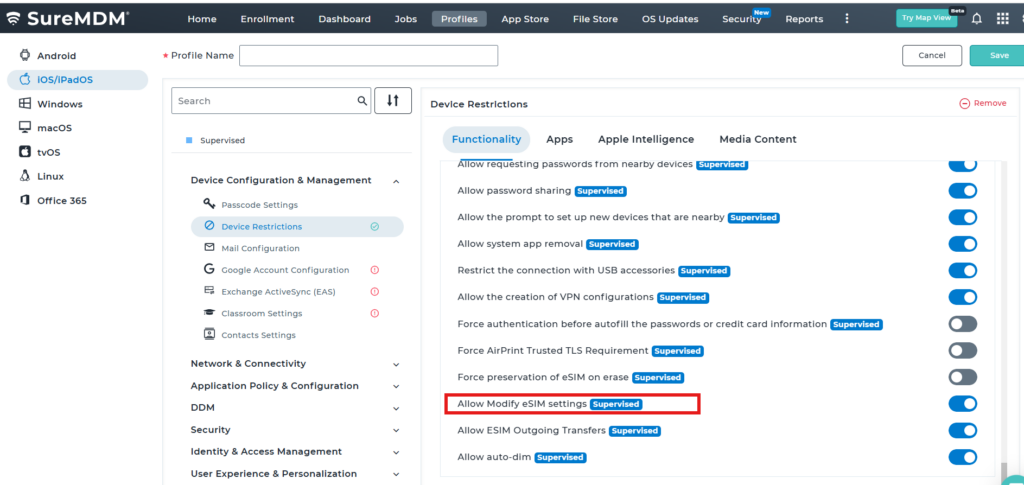
2. Navigate to Device Configuration & Management ->Device Restrictions->Functionality and Scroll down to find the settings which are linked to the ESIM
- Force preservation of eSIM on erase – If enabled, prevents the eSIM from being erased when a device is set to wipe after entering an incorrect passcode too many times.
Note: It won’t be applicable if erasing the device is initiated from ‘Find My’ app.
- Allow Modify eSIM settings – If enabled, the system allows modifications to carrier plan related settings for an iOS device that supports eSIM.
- Allow ESIM Outgoing Transfers – If disabled, users would be prevented from transferring an eSIM from the device to a different device.
Conclusion
Using an eSIM profile in SureMDM allows administrators to efficiently manage cellular connectivity on iOS and iPadOS devices, simplifying deployment and reducing the need for manual configuration or mismanagement of cellular networks by the employees.
Need more help? Here’s how to get help from our experts.
CONTACT US