
Purpose
This feature lets you manage the updates for third party applications to make the update available for the device immediately or after 7, 10 days or to never depending upon the users use-case for all the windows device on the console
Prerequisites:
N/A
Steps
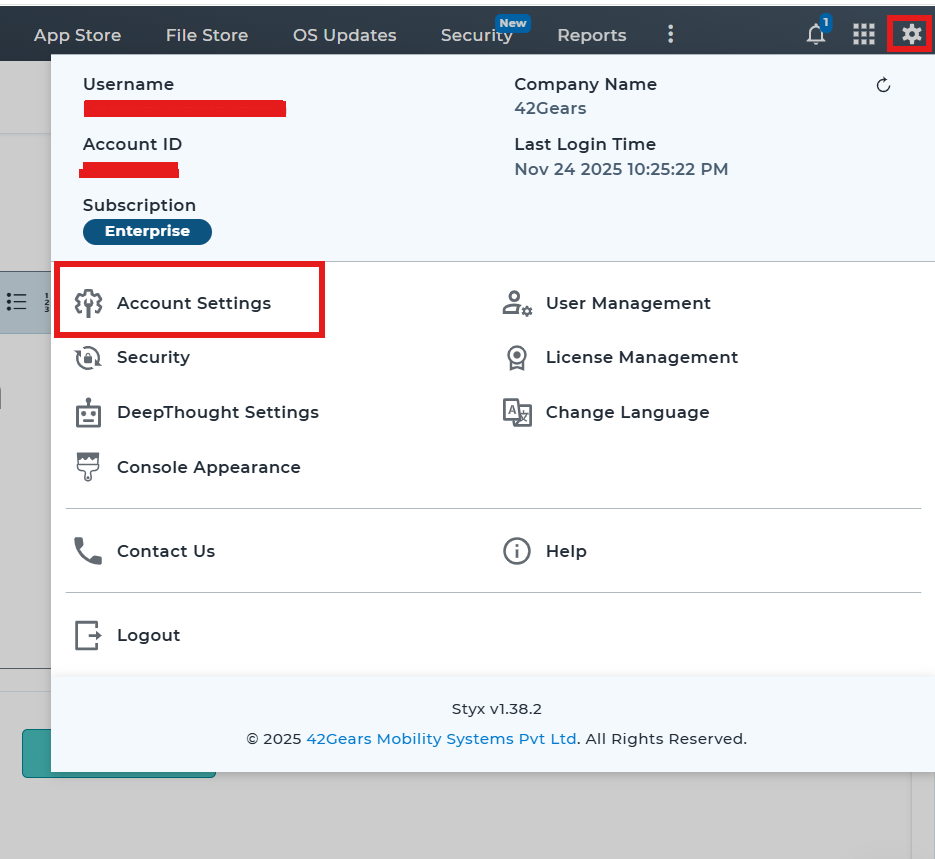
1. Login to the SureMDM console > Settings-> Account settings->
2: Search and select Windows Management -> Miscellaneous
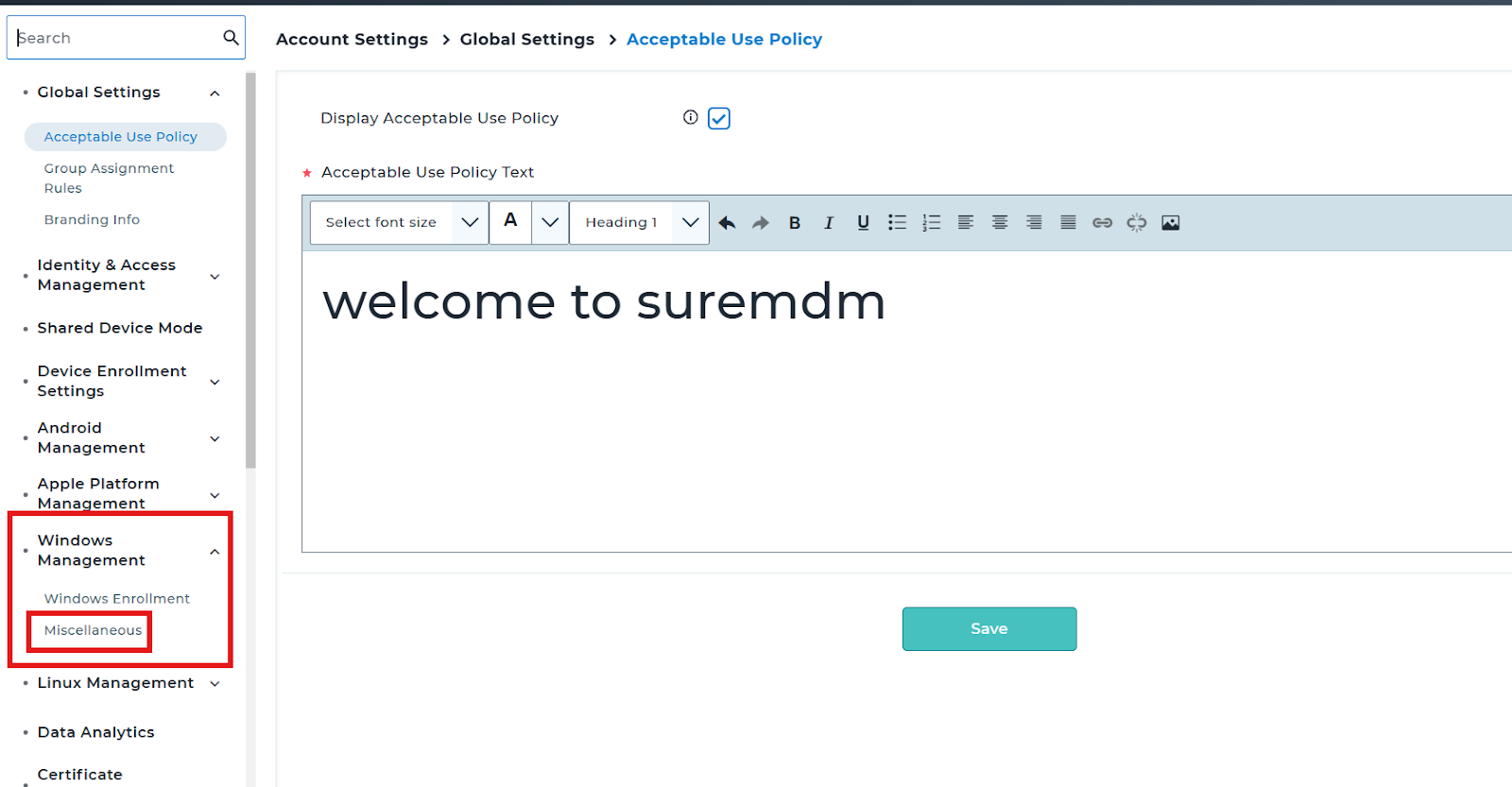
3. Set the Update Availability according to the use case.
After configuring the settings the update availability for the Third party applications will be available depending on the configurations.
Need help?
CONTACT US
Was this helpful?
YesNo