
Purpose
This knowledge base explains how to remotely Toggle and Enforce the Near Field Communication (NFC) state on supported Android devices using the Run Script feature in the SureMDM Console. Administrators can configure NFC to remain Always On, Always Off, or not enforce a specific state, helping maintain organizational security and device compliance across Device Owner devices running Android 16 and above.
Prerequisites
- SureMDM Console access with permission to execute Run Scripts.
- Device enrolled in Device Owner (DO) mode and running Android 16 or later.
- Device online and connected to SureMDM.
Steps
- On the SureMDM Console -> click on Jobs -> New Job -> Select Android OS
- Click on Run Script -> Enter the Job Name and the following script:
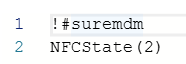
!#suremdm
NFCState(Value) - Replace Value with the required option:
0 – Don’t care (No enforcement)
1 – Always ON
2 – Always OFF - Click on Save
Example 1 – To keep NFC Always Enabled:
Example 2 – To keep NFC Always Disabled:
Expected Result
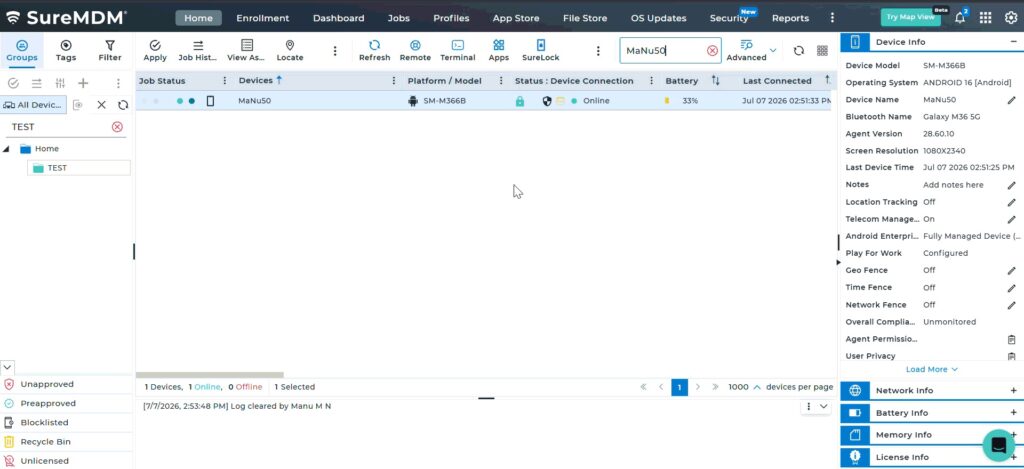
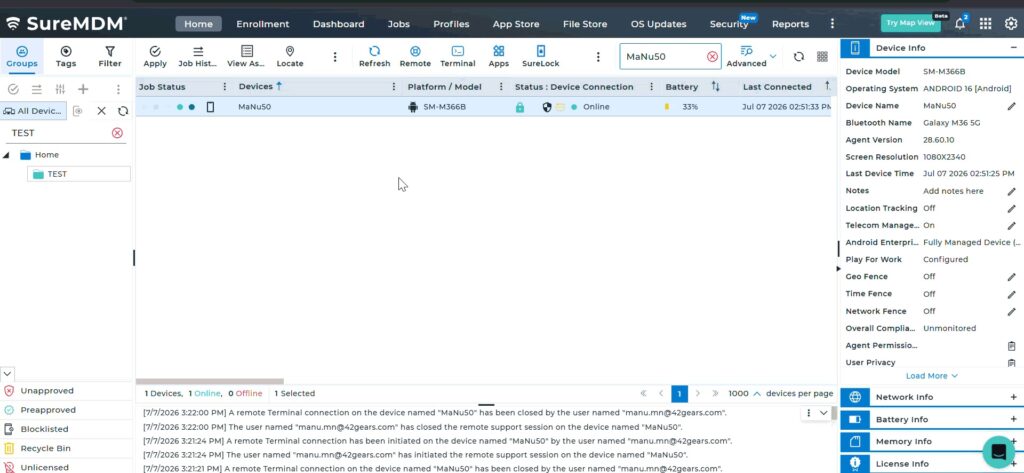
The selected Android Device Owner devices running Android 16 or later will receive the script, and the NFC state will be updated based on the specified value. Devices configured with Always On or Always Off will enforce the selected NFC state.
Conclusion
The NFCState run script provides administrators with a simple and efficient way to remotely manage and enforce the NFC state on supported Android devices. By deploying this script through the SureMDM Console, organizations can ensure consistent NFC settings across Device Owner devices running Android 16 and above, improving security, compliance, and centralized device management.
Need more help? Here’s how to get help from our experts.
CONTACT US