
Purpose
The purpose of this knowledge article is to provide a guide on how to update the latest version of apps that have been added using the App Store via Profile on Android devices.
Prerequisite
Android devices.
Steps
1. On the SureMDM console, Go to the App Store for Android.

2. Select the application which need to be upgraded.
3. You get an option to upload a newer version of the application. You can either upload apk or add the apk link.
4. Now that the updated version is added, the latest version would be listed and visible under the App Details section.
5. Tap on Assigned Profiles, here you would be able to view the list of Profiles where the previous version was present.
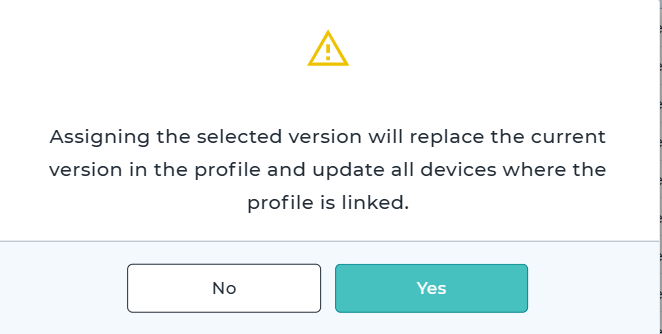
6. Once you select on the required Profile and tap on Save, you would be receiving the below pop-up. If you select on Yes, the application will get updated on the devices where the profile is deployed.
7. Click on Yes.
Conclusion
Updating apps added via the App Store through Profiles ensures Android devices always run the latest available versions. This helps maintain security, stability, and access to new features. Following the outlined steps ensures smooth and consistent app updates across managed devices.
Need more help? Here’s how to get help from our experts.