
Purpose
The purpose of this knowledge base article is to explain how to update the SureMDM Agent on Linux devices to a specific version using the Run Script feature. This approach allows administrators to deploy a controlled, stable agent version based on operational requirements, preventing automatic upgrades and ensuring compatibility, reliability, and consistency across managed environments.
Prerequisites
The enhanced script is supported on Linux devices with SureMDM Agent version 7.15.0 and later.
Steps
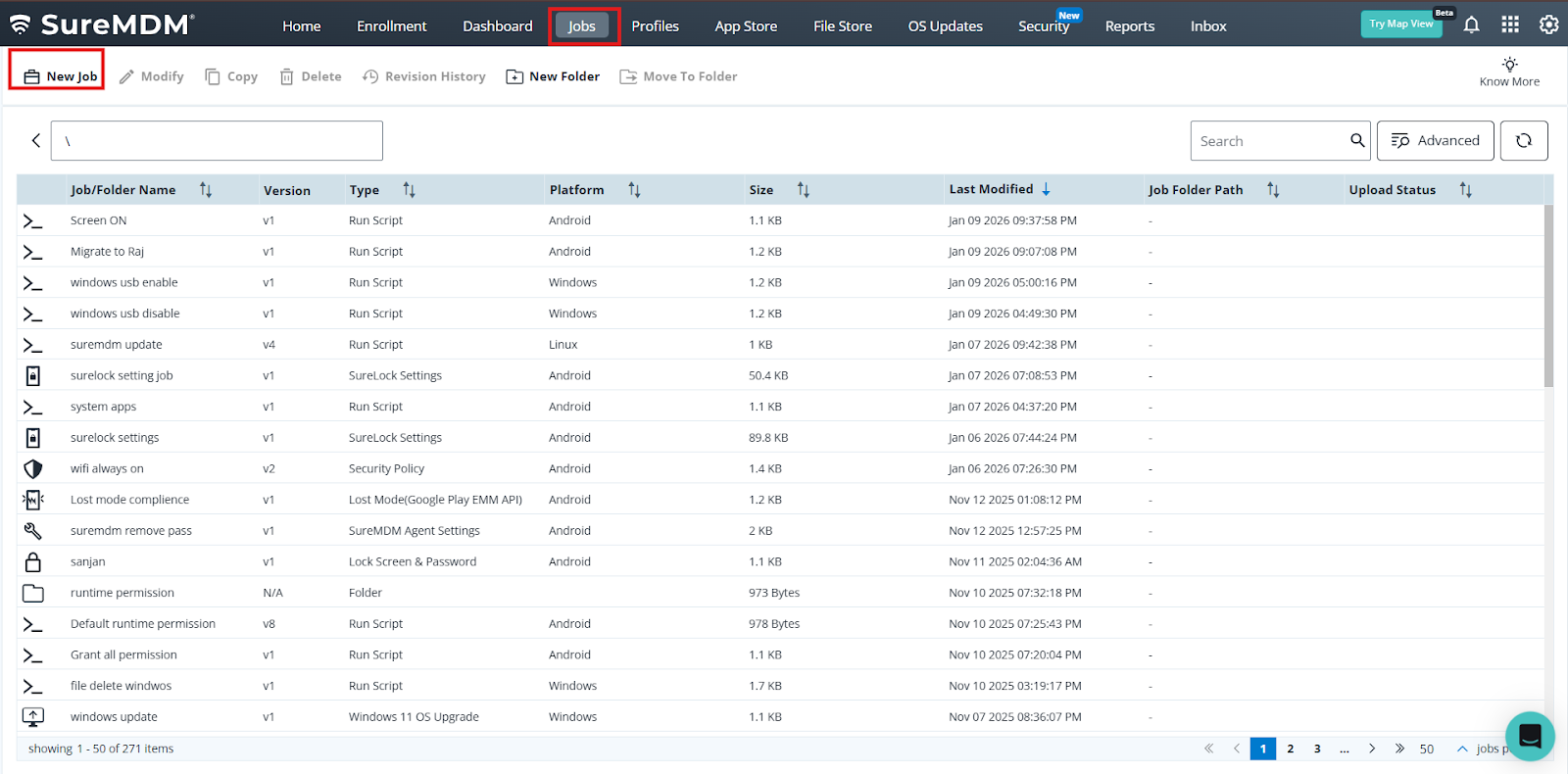
1. Login to the SureMDM console > Click on the Job tab > select new Job .
2 . Select Linux Operating system >Choose Runscript .
3 .Under Run script search for sureMDM agent and select the Agent update – Specific Version . and save the job and deploy at the device end.
Conclusion
This article outlines a controlled method for deploying a specific SureMDM Agent version on Linux devices using Run Script. By targeting an exact agent build, administrators can maintain version consistency, avoid unintended upgrades, and preserve environment stability. This approach supports precise version management, improves compatibility with existing configurations, and ensures predictable agent behavior across managed Linux endpoints.
Need more help? Here’s how to get help from our experts.